GPT Image 2 프롬프트 162개 모음|예시 · 템플릿 · 아이디어 총정리
애니메이션, 인물 사진, UI 목업, 포스터까지 — 스타일별로 정리된 프롬프트를 한눈에 확인하세요.마음에 드는 프롬프트를 바로 복사해서 바로 사용할 수 있어요.
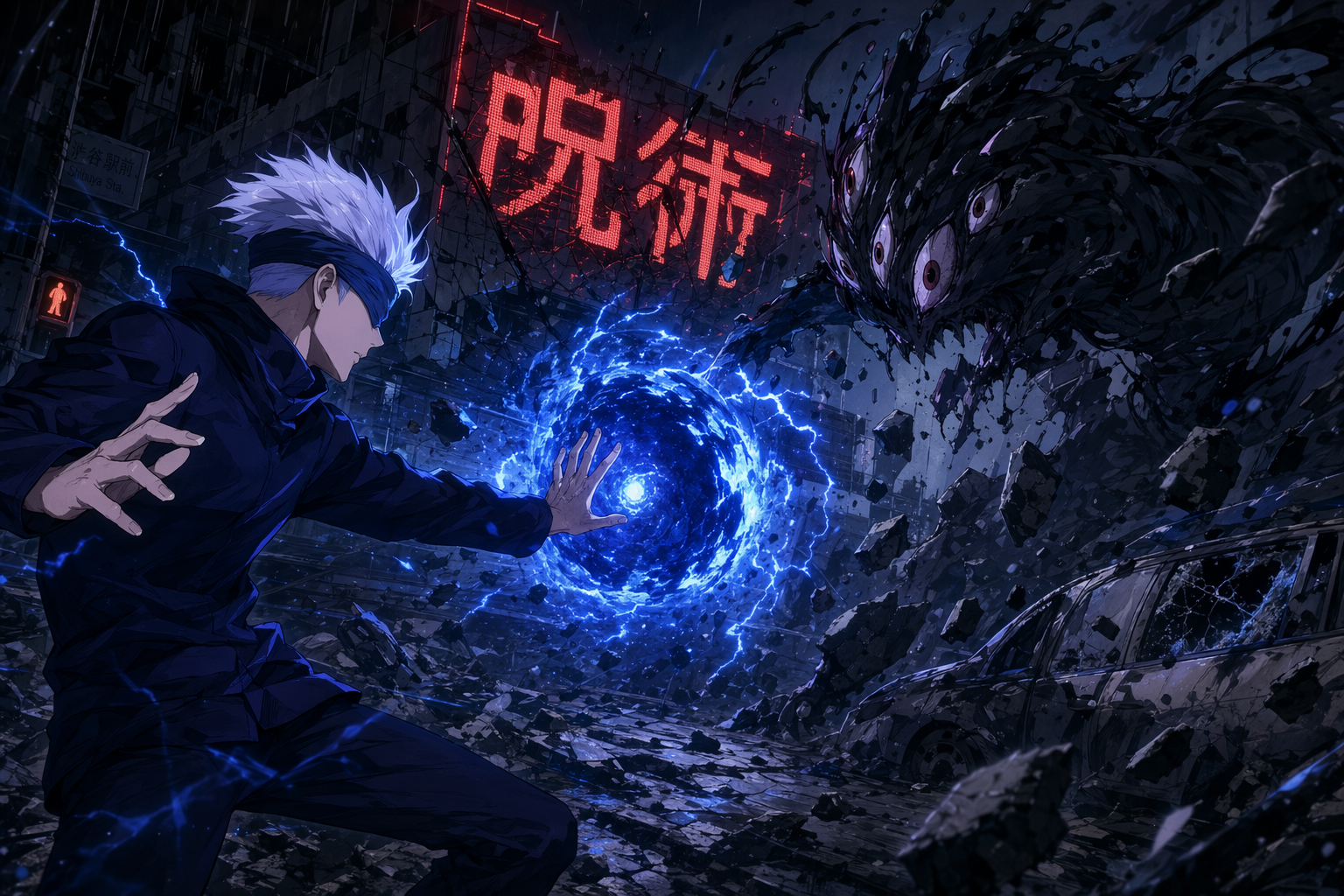
MAPPA-style anime action still (Jujutsu-Kaisen aesthetic)
An anime action still in the visual style of MAPPA's Jujutsu Kaisen (2020 TV anime). Landscape 16:9. A silver-white-haired young man in a dark navy school-uniform jacket, a blue blindfold across his eyes, in a mid-fight stance — one palm extended outward releasing a swirling dense-blue energy sphere with lightning-like crackles around its edge. Opposite him
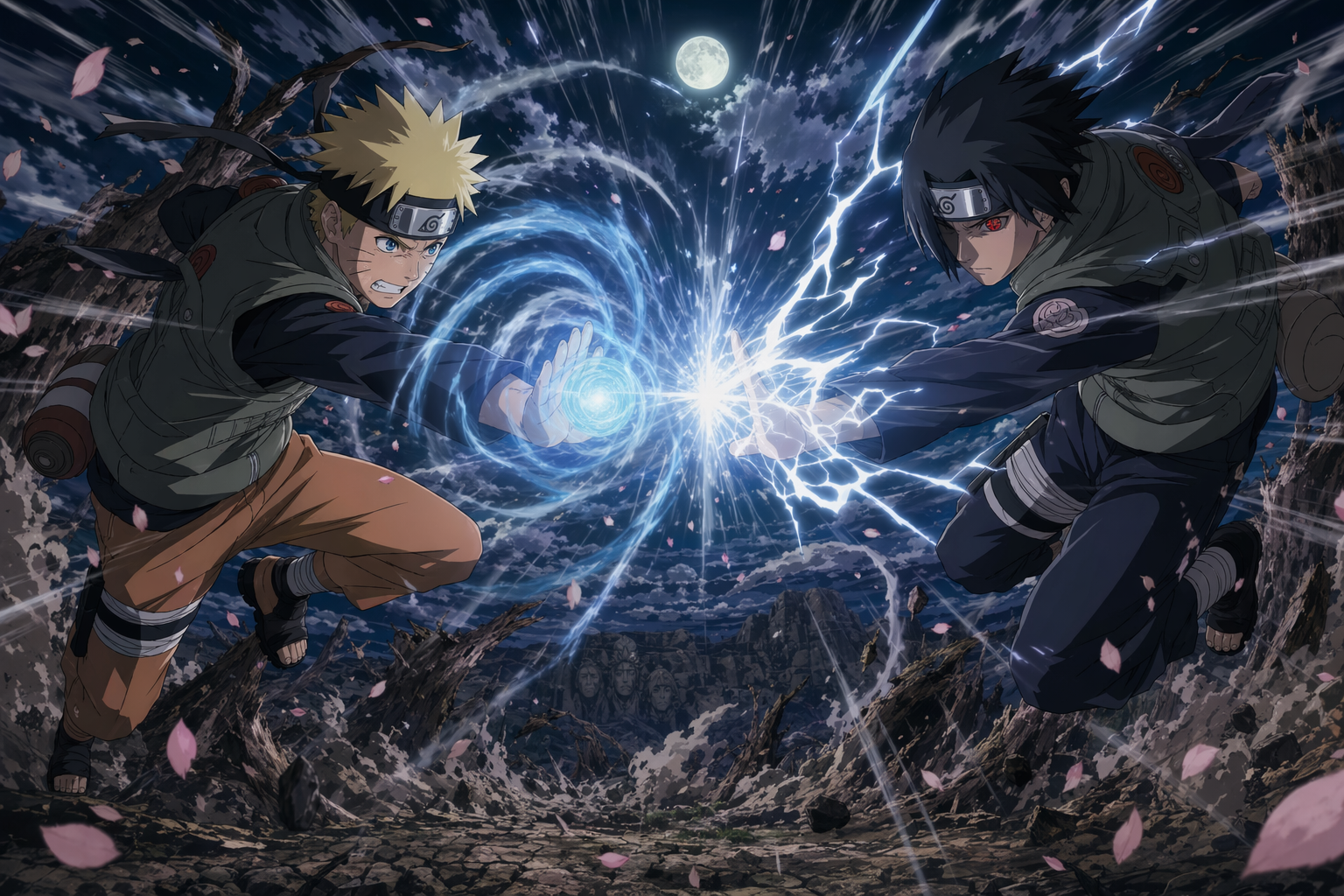
Shōnen battle key-visual (Naruto-Shippuden aesthetic)
A shōnen anime battle key-visual in the visual style of Studio Pierrot's Naruto Shippuden. Landscape 16:9. Two ninja figures clash mid-air at the exact instant their signature jutsu collide — a glowing blue spiral of swirling chakra on the left fighter's right palm, a crackling white lightning blade on the right fighter's right palm. The collision point sen
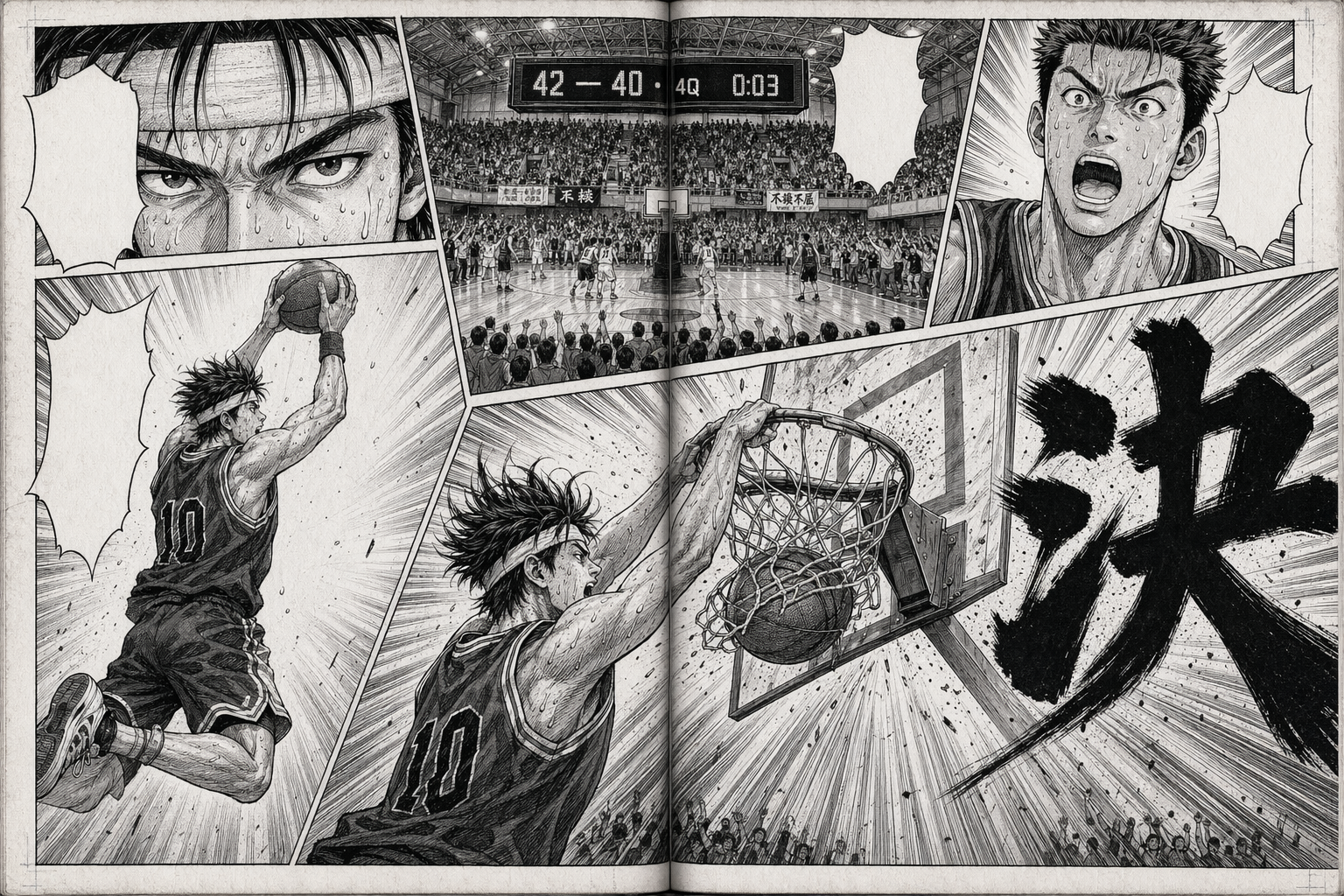
Shōnen manga two-page spread (basketball slam dunk)
A black-and-white shōnen manga two-page spread (landscape 16:9 as a single composition, with a faint centre-gutter line). High-contrast ink plus screentone, Weekly Shōnen Jump basketball-manga tradition (Inoue's Slam Dunk / Fujimaki's Kuroko no Basuke). Composition: 5 irregular panels plus one large diagonal panel spanning both pages at bottom-right for the
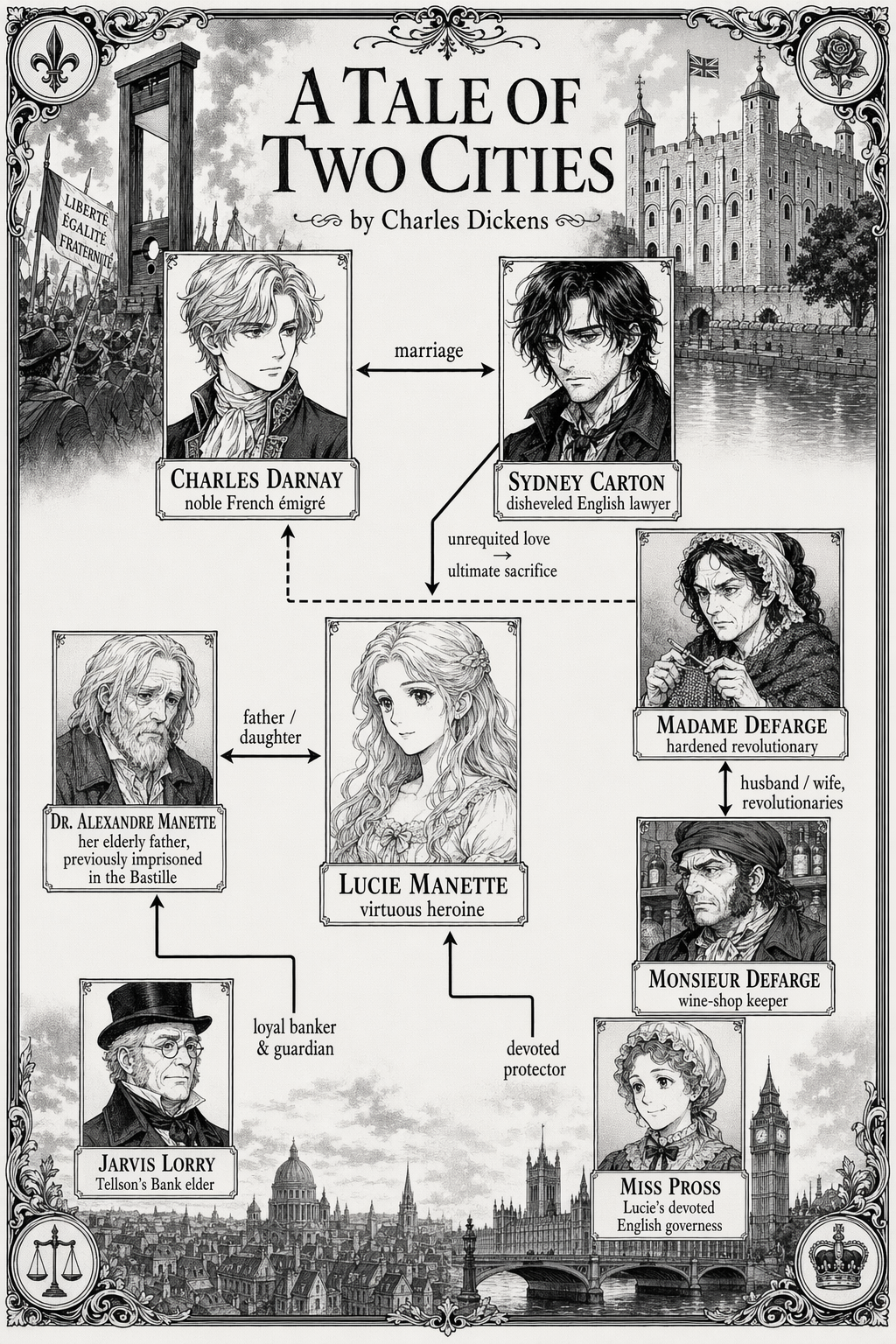
Manga relationship map — *A Tale of Two Cities*
A manga-style illustration showing the person-relationship map for "A Tale of Two Cities" by Charles Dickens. Single full-frame composition, monochrome ink + screentone, classic shōjo / historical-manga aesthetic. Characters as small portrait panels connected by labeled relationship lines: - Charles Darnay ↔ Lucie Manette: "marriage" - Sydney Carton → Lucie
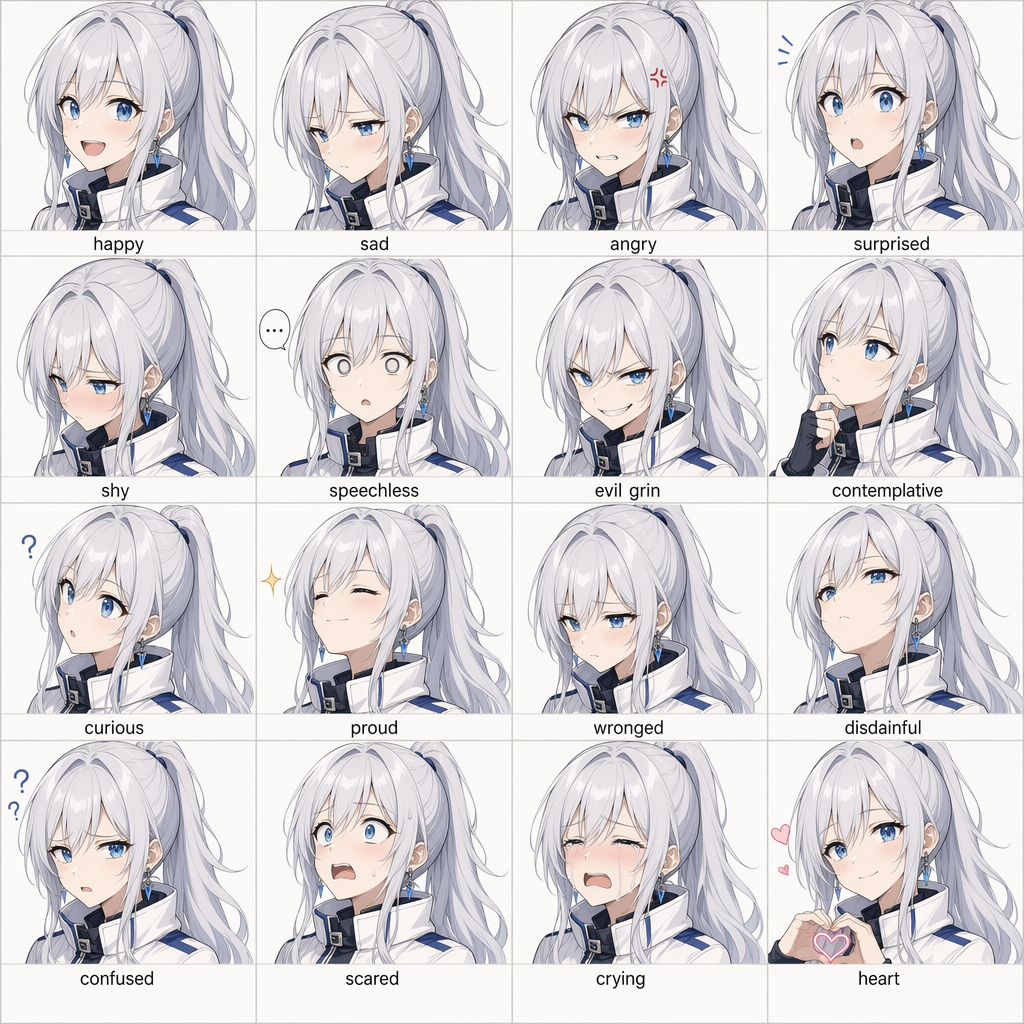
16-panel anime expression grid
Create a 16-panel expression grid of a silver-haired, blue-eyed anime girl. Her face shape, hairstyle, and clothing must remain highly consistent across all panels. The 16 expressions should include: happy, sad, angry, surprised, shy, speechless, evil grin, contemplative, curious, proud, wronged, disdainful, confused, scared, crying, and a heart expression.
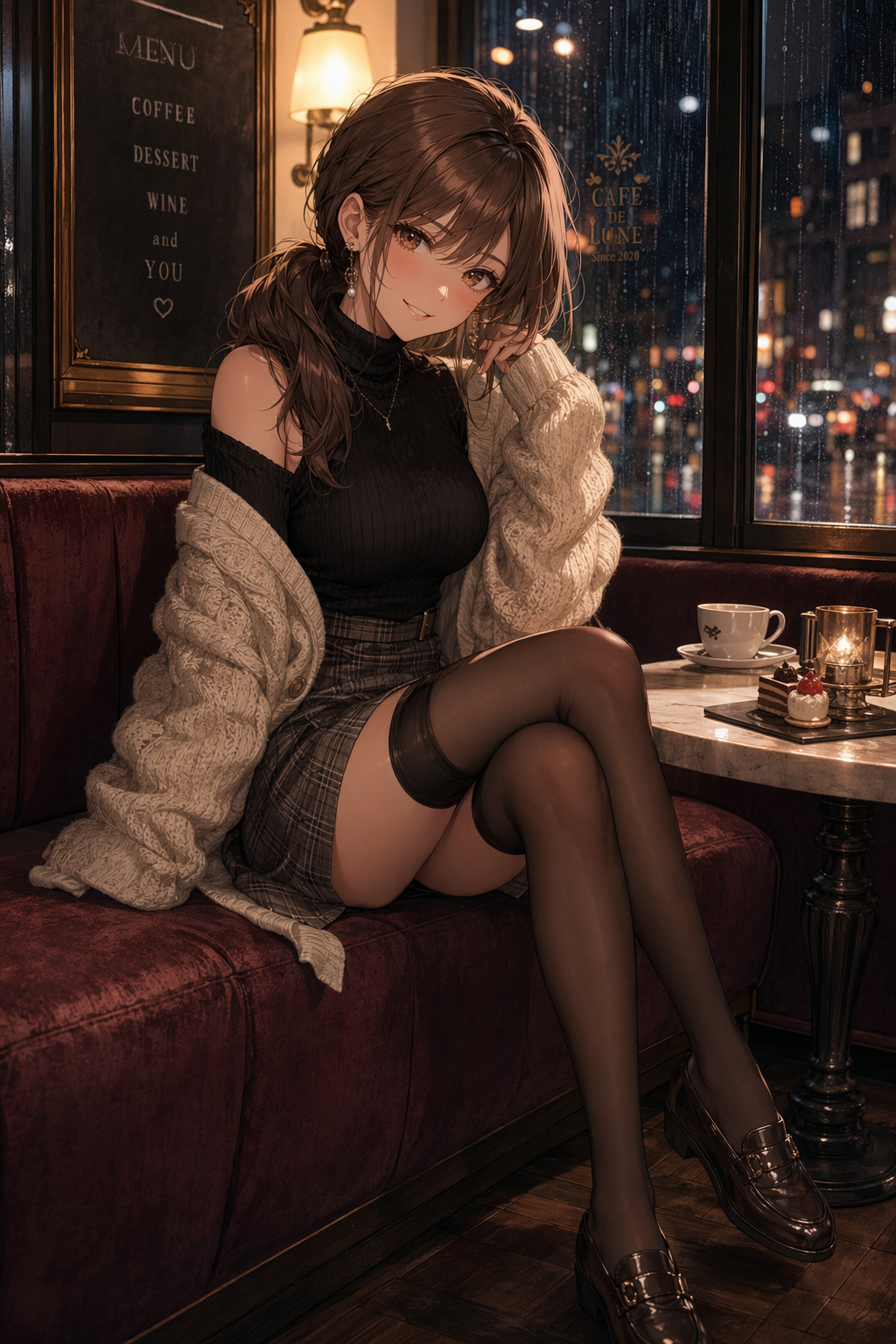
Elegant cafe anime fashion portrait
Create a tasteful portrait-oriented anime fashion illustration of an adult woman, age 24, with a cute playful expression, looking at the camera in a cozy European cafe at golden hour. She wears a cream blouse, charcoal pleated skirt, tailored cropped jacket, sheer black stockings, loafers, and a small ribbon hair clip; she is seated sideways at a small marbl
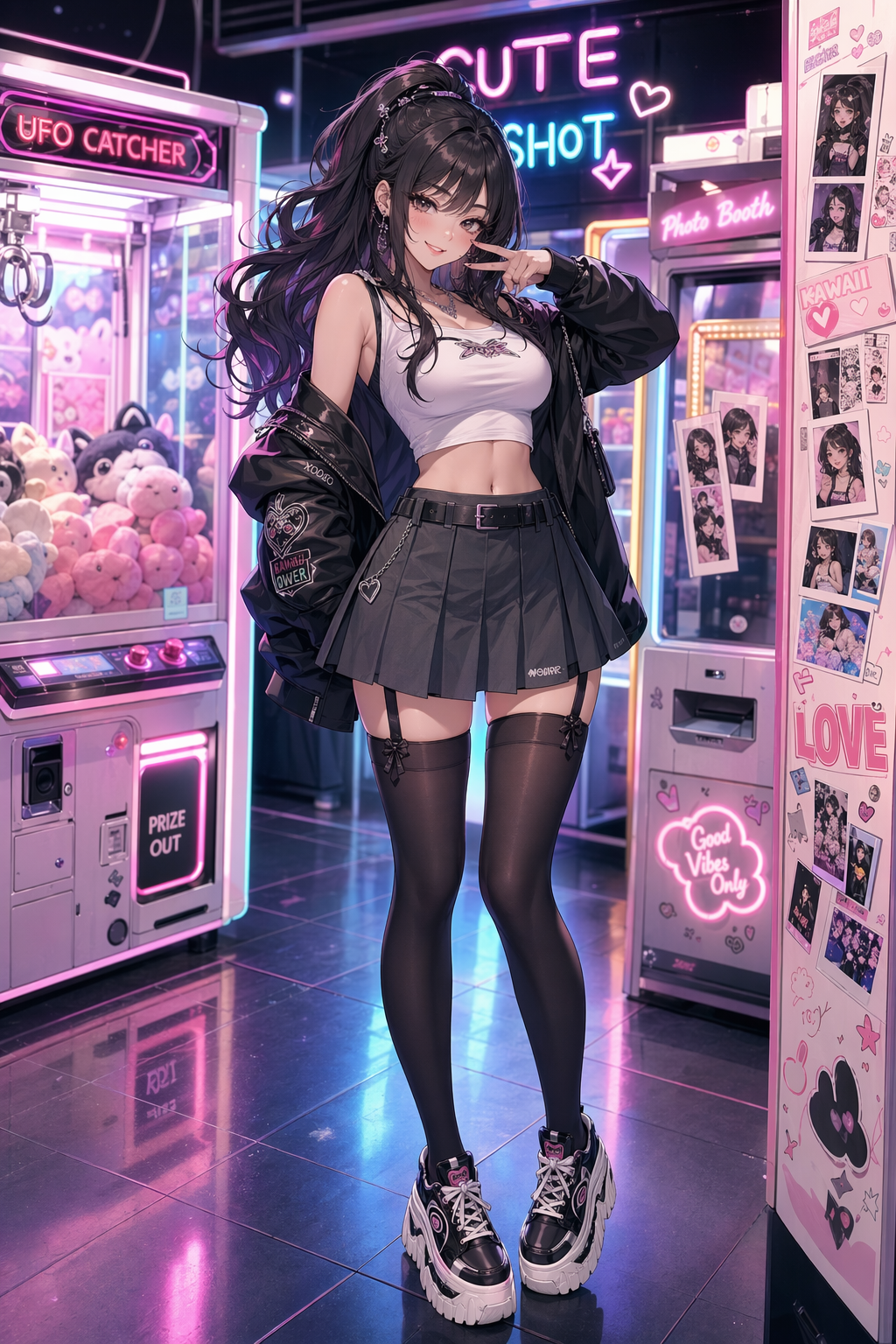
Neon arcade anime fashion portrait
Create a portrait-oriented anime fashion illustration of an adult woman, age 25, in a neon arcade district at night. She has a cute confident smile and looks directly at the viewer while standing beside glowing claw machines and retro game cabinets. Outfit: black turtleneck, red satin bomber jacket, high-waisted skirt, patterned dark stockings, platform shoe
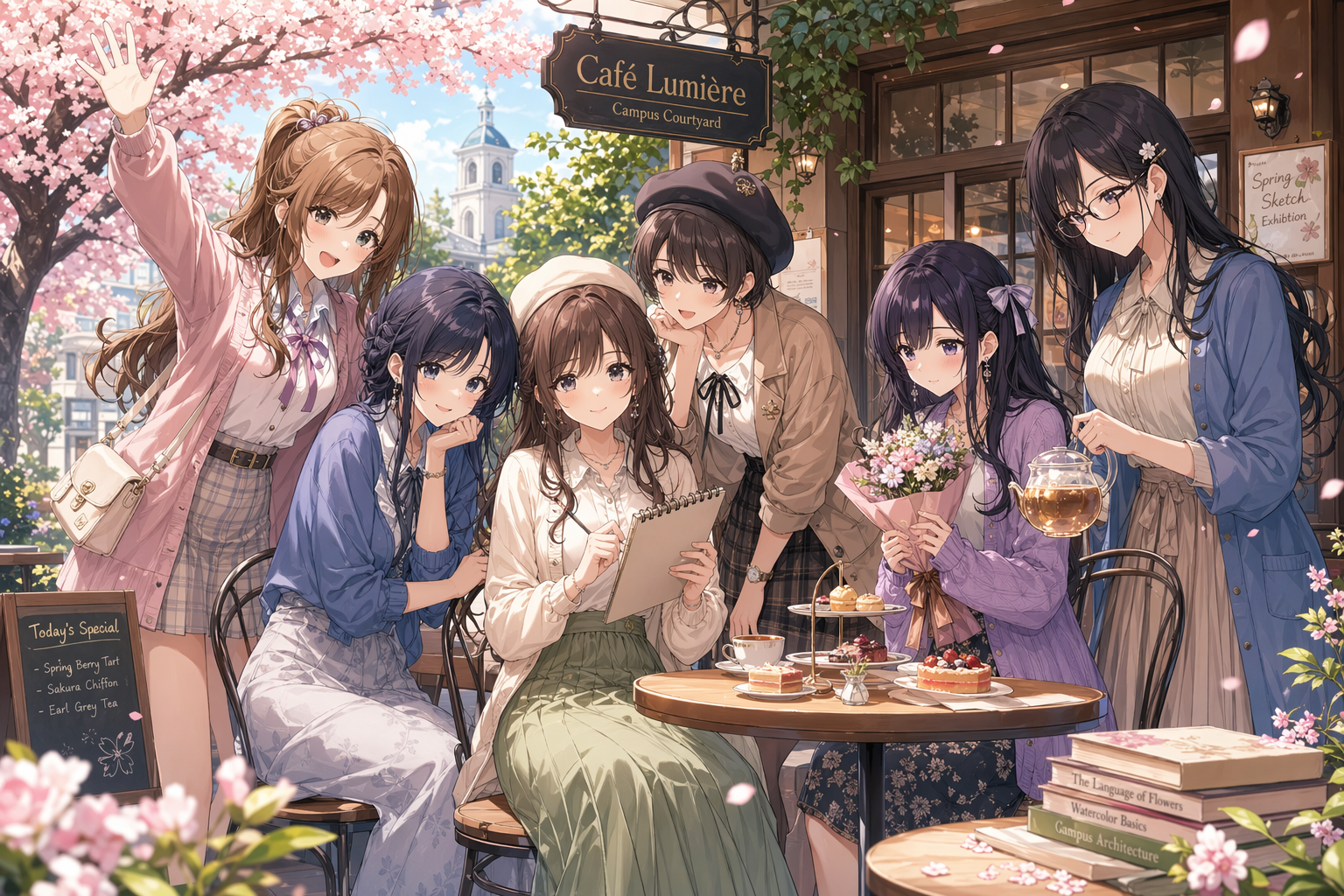
Spring cafe anime ensemble
Create a landscape anime ensemble key visual featuring six distinct adult young women, ages 22 to 27, with cute gentle personalities, gathered together in a cozy spring campus-cafe courtyard. The composition should feel like a polished slice-of-life anime promotional poster rather than a single portrait: one central seated character holding a sketchbook, two
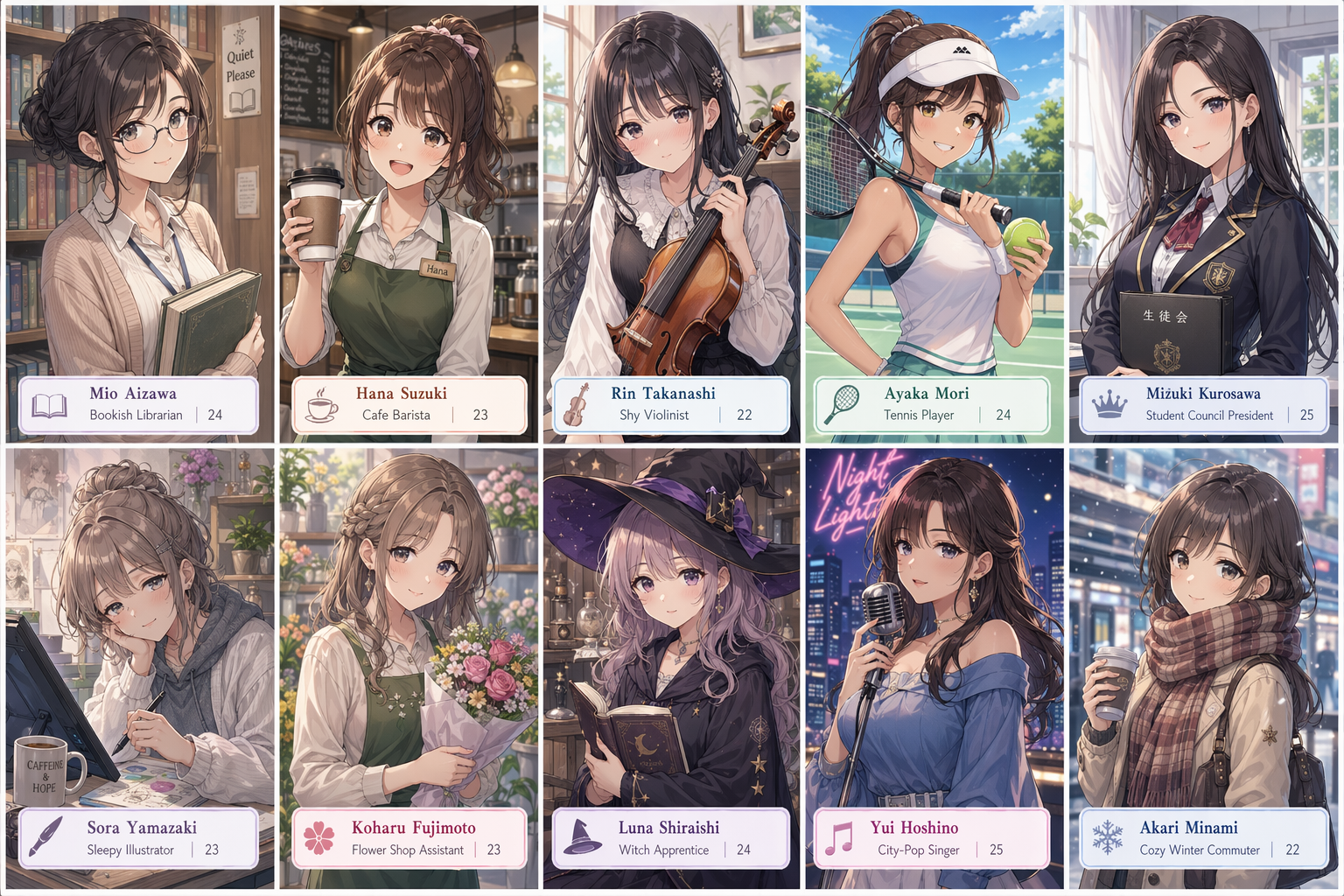
Ten-panel anime character grid
Create a single landscape image containing a clean 2×5 ten-panel anime character grid. Each panel shows a different adult young woman, age 22 to 26, designed as a cute gentle heroine archetype: bookish librarian, cheerful cafe barista, shy violinist, sporty tennis player, elegant student-council president, sleepy illustrator, flower-shop assistant, soft-spok
GPT Image 2 프롬프트 작성법|결과가 달라지는 6가지 핵심 원칙
매번 퀄리티 높은 이미지를 생성하기 위해 크리에이터들이 실제로 사용하는 6가지 테크닉을 정리했습니다.
피사체를 구체적으로 정의하기
프롬프트는 항상 명확한 피사체로 시작하세요. '우비를 입은 여성', '폐역이 된 기차역', '일본 위스키 한 병'처럼 구체적일수록 좋습니다. 모호한 지시는 모델이 임의로 판단하게 만들고, 그게 바로 퀄리티가 떨어지는 원인입니다.
비주얼 스타일 지정하기
스타일 지정은 프롬프트에서 결과에 가장 큰 영향을 미치는 요소입니다. '포토리얼리스틱', '셀 셰이딩 애니메이션', '플랫 벡터 일러스트', '수채화풍', '90년대 리소그래프 인쇄' 등 스타일명을 명시적으로 작성하세요. GPT Image 2는 수백 가지 스타일을 인식합니다.
조명과 분위기 설정하기
조명 하나로 이미지의 감성이 완전히 바뀝니다. '골든아워 역광', '극적인 명암 대비', '부드러운 스튜디오 조명', '아래에서 비추는 네온 림라이트' 등을 활용해보세요. 조명과 함께 '우울한', '시네마틱한', '깔끔하고 상업적인' 같은 무드도 함께 지정하면 효과적입니다.
구도와 카메라 앵글 지정하기
모델에게 어디서 찍는지 알려주세요. '익스트림 클로즈업', '와이드 풀샷', '아이소메트릭 뷰', '조감도' 등을 활용할 수 있습니다. 사진 스타일 프롬프트라면 '85mm F1.8', '중형 필름 느낌' 같은 카메라 정보를 추가하면 정확도가 올라갑니다.
컬러 팔레트 고정하기
지정하지 않으면 GPT Image 2는 무난한 배색을 선택합니다. '틸과 번트 오렌지', '인디고, 크림, 골드 3색 한정', '모노크롬에 레드 포인트 하나'처럼 사용할 색을 명확히 지정하면 의도한 비주얼에 훨씬 가까워집니다.
텍스트는 반드시 따옴표로 감싸기
GPT Image 2는 텍스트 렌더링 정확도가 높은 모델입니다. 단, 정확하게 출력하려면 따옴표가 필수입니다. 예시: 'OPEN LATE라고 적힌 가게 간판', 'No Signal이라는 헤드라인의 포스터'. 한 요소당 12단어 이내로 작성하면 95% 이상의 정확도로 텍스트가 렌더링됩니다.
GPT Image 2 프롬프트 모음 — 자주 묻는 질문
GPT Image 2 프롬프트 작성법부터 퀄리티를 높이는 팁, 일관된 이미지 생성 방법까지 정리했습니다. 초보자용 가이드와 실전 활용법을 한 번에 확인하세요.