Multimodal Input
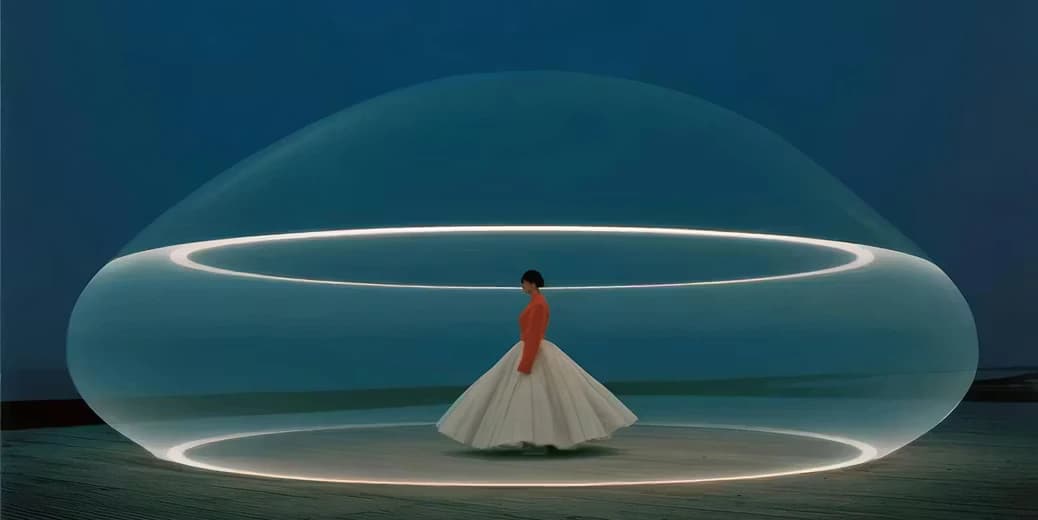
Combine text prompts, reference images, video clips, and audio in a single generation request. Gemini Omni reads all input types as one unified creative instruction, so you never need to separate your ideas by format.
Gemini Omni is Google's multimodal AI video model that turns text, images, audio, and reference clips into high-quality video in a single workflow. Generate cinematic scenes, animate portraits, remix existing footage, and refine results with plain-language edits — all without editing software. Start your free trial on AnimateX today.
Combine text prompts, reference images, video clips, and audio in a single generation request. Gemini Omni reads all input types as one unified creative instruction, so you never need to separate your ideas by format.
Type a change — swap an object, remove a logo, adjust the lighting — and Gemini Omni applies it to the existing clip. No timeline scrubbing, no manual keyframes, no re-rendering the whole scene from scratch.
Turn any clip you already have into a new version: blend two source videos, apply a new style, or shift the scene direction. Iteration is incremental, so your original structure and camera work carry forward.
Gemini Omni tracks characters, environments, written text, and visual style across the full clip. Faces stay recognizable, on-screen text stays readable, and multi-character interactions hold together shot to shot.
Generate dialogue, ambient sound, Foley effects, and original score that match the visual mood and timing of your video. Lip-sync is supported when an avatar or portrait reference is used.
The most commercially valuable things Gemini Omni brings to a real production workflow.

Upload a photo or selfie and Gemini Omni generates a speaking, lip-synced avatar with consistent facial identity across the clip. Useful for product presenters, virtual spokespeople, educator avatars, and branded characters — without casting, filming, or post-production.
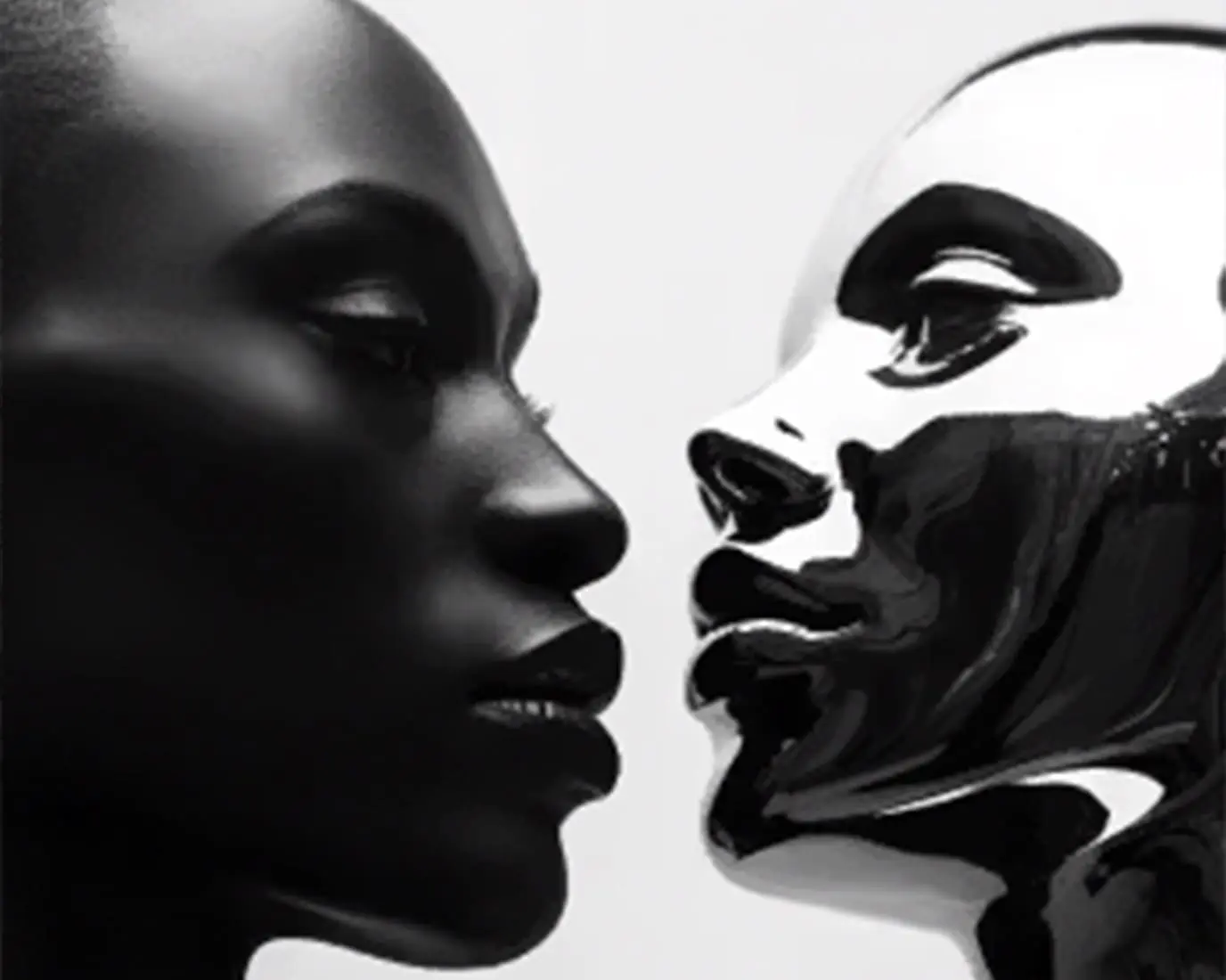
Fix exactly what needs fixing inside an existing video clip. Replace specific objects, remove unwanted elements, or adjust a region while Gemini Omni preserves the original camera motion, composition, and visual style everywhere else. This saves full regeneration cycles on near-finished work.
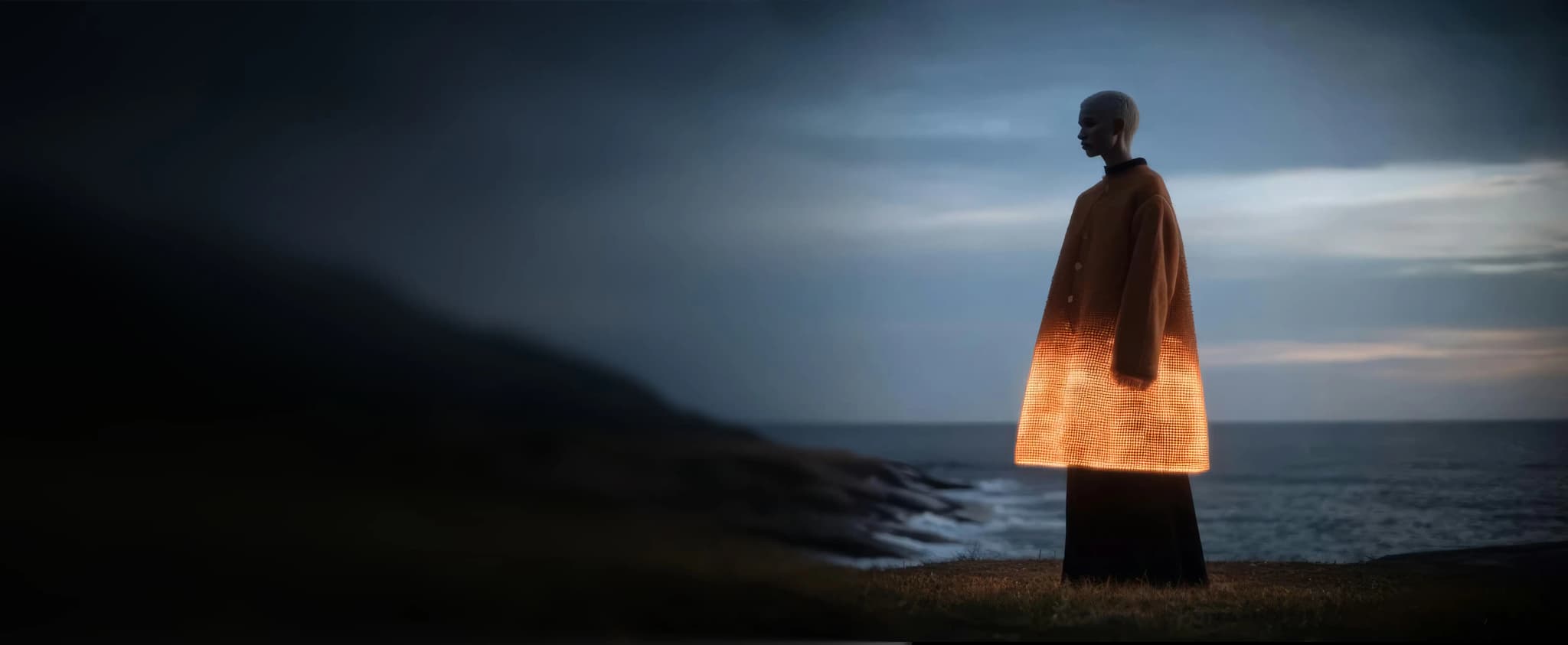
Describe the camera move in plain language — 'slow push-in from a low angle', 'cut to a side profile' — and Gemini Omni applies it. Multiple camera angles within a single scene are supported from one prompt, giving creators cinematic control without a physical shoot.
From quick social clips to production-ready commercial video — see what creators in every field are making.

Generate lifestyle product demos, before-and-after skin transformation clips, and UGC-style ad videos from a product image and a text brief. No model or studio required.
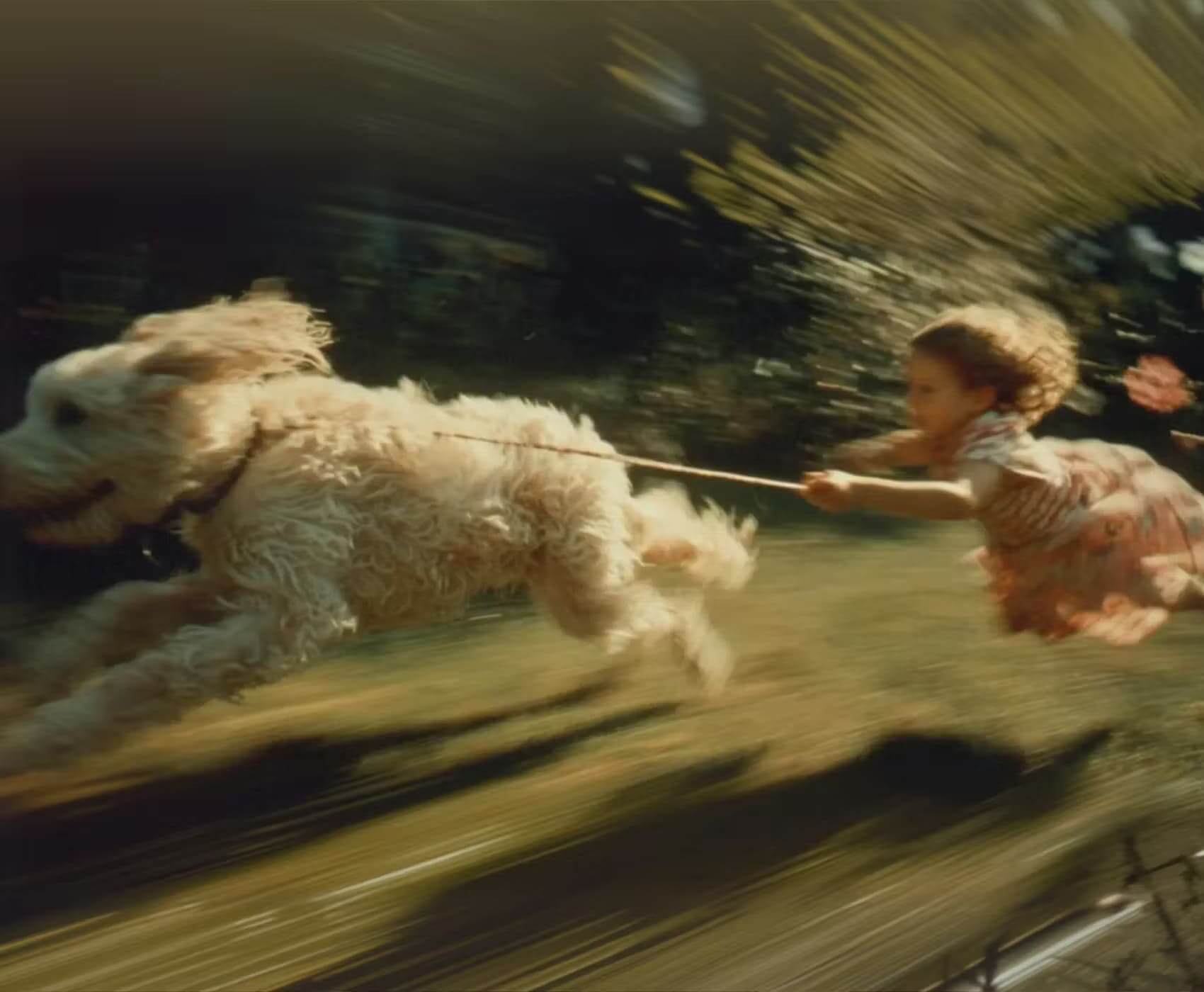
Produce TVC-style commercials by blending brand footage with lifestyle clips. Adjust scene direction, swap backgrounds, and iterate on visual tone through plain-language instructions — all within one workflow.

Use Gemini Omni to test visual styles, explore camera angles, and pre-visualize scenes before committing to production. Storyboard ideas as motion clips in minutes, not days.
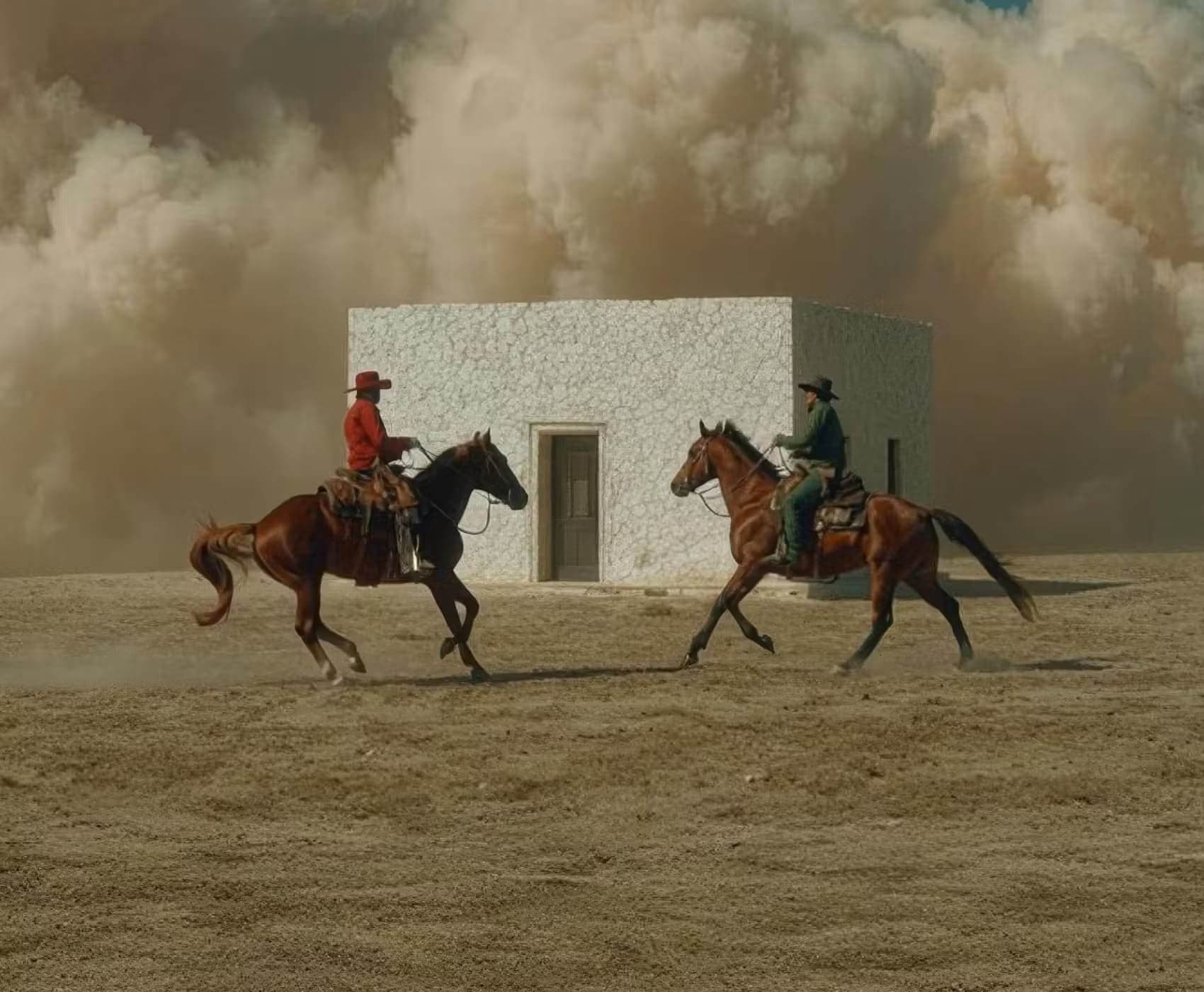
Generate explainer videos, step-by-step operation demos, and lecture footage with accurate on-screen text, readable formulas, and multi-angle camera coverage. Gemini Omni maintains logical symbol consistency throughout technical content.
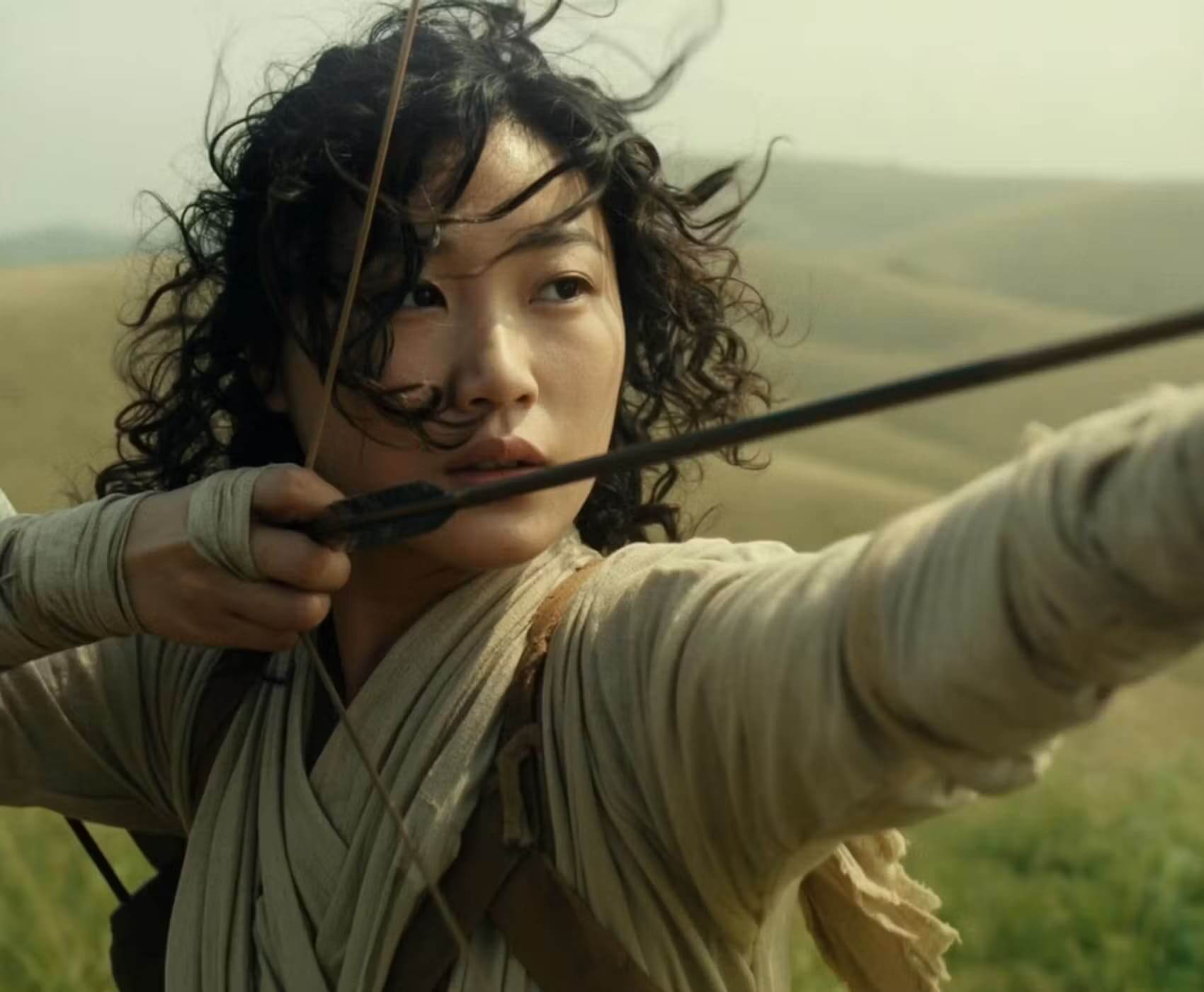
Animate concept art, generate character performance clips, and produce cinematic cutscene references. Use image inputs to preserve character design and scene layout while adding realistic motion.
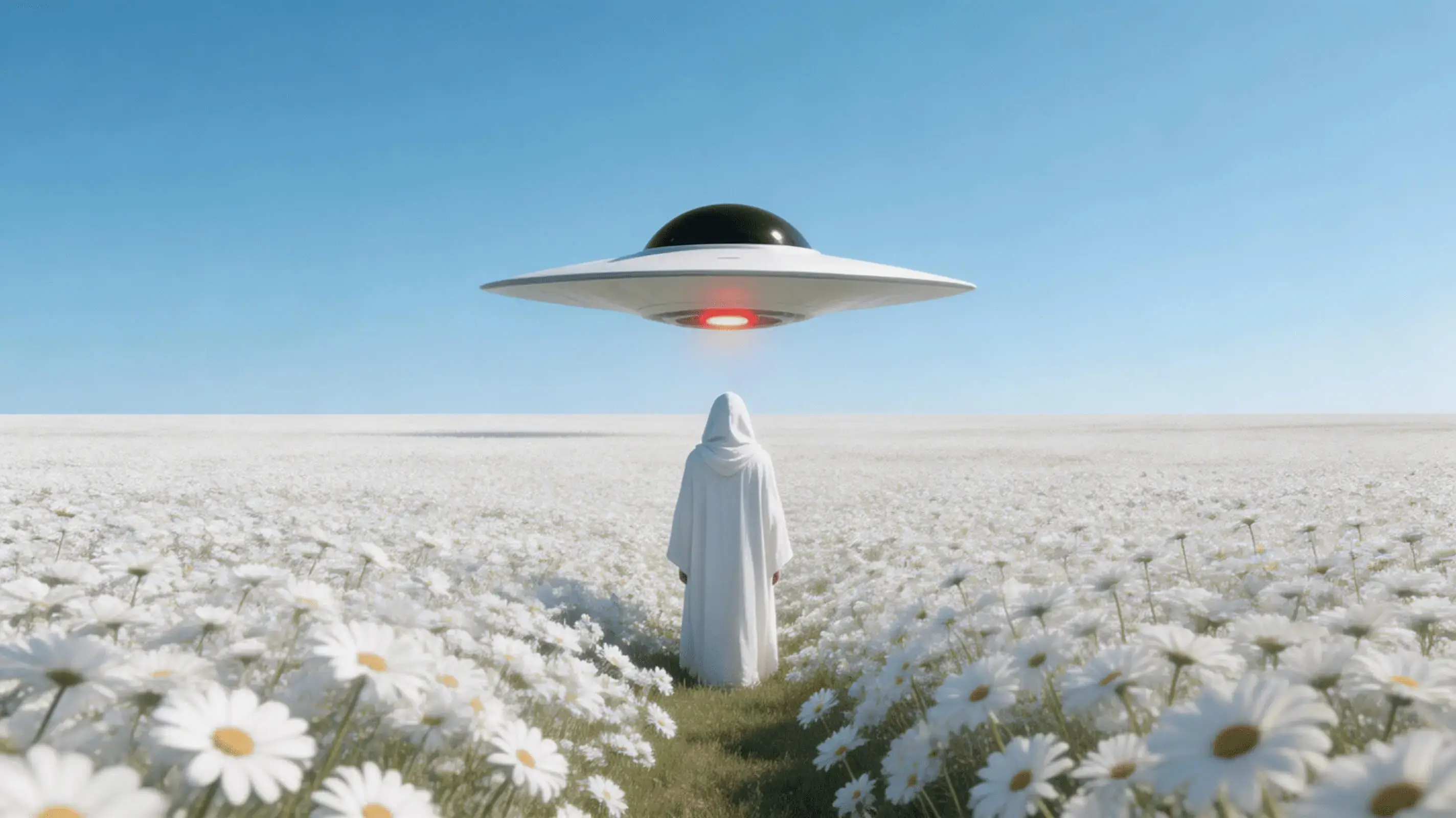
Build Reels, Shorts, and TikToks with consistent characters, synced audio, and cinematic framing — from a single text prompt or a phone photo. Iterate fast without rebuilding from scratch.
Three steps from prompt to finished video.
Open the Gemini Omni model page on AnimateX. Enter a text prompt, or add reference images, audio, or an existing video clip to guide the generation. You can use any combination — text alone works, and adding references gives the model more to work with.
Click Generate. Gemini Omni processes your inputs and returns a video clip. Review the output — check scene consistency, audio sync, and visual style. Most results are usable as-is or need only one or two follow-up edits.
If anything needs changing, describe the adjustment in the text field: 'make the background darker', 'keep the character but change the setting', 'remove the object on the left'. Gemini Omni applies targeted edits without regenerating the whole clip. Download the final MP4 when ready.
Common questions about Gemini Omni on AnimateX, answered directly.