Image to Video AI
Create cinematic AI videos from text prompts. AnimateX turns your ideas into dynamic scenes with smooth motion, rich detail, and creator-ready quality.
AI Video
Upload up to 3 reference images for more precise control
Example Video
Sign in to generate your own AI videos
Animate Still Images with AI Motion
Bring static illustrations to life with AnimateX. Upload a reference image, choose a model, and generate smooth anime motion while keeping the original scene readable, styled, and expressive.


How to Animate Still Images with AI
Turn your artwork into motion in three simple steps. The image to video AI detects structure, depth, and visual rhythm to make still images to video transformation seamless — no animation skills required.
Upload Your Image
Start with a still illustration, frame, or rendered artwork. JPG or PNG formats work perfectly.
Choose an AI Model
Select the model that best matches your look—crisp anime linework, cinematic tone, or soft cel styling. Our image to video AI preserves style fidelity while predicting movement. As an anime motion generator, it favors clean lines, stable colors, and scene consistency.
Click Generate
Press Generate to convert your still image into a video clip. Review the result, adjust the prompt or model choice if needed, and download the version that best fits your scene.
Bring Still Images to Life with Smart Motion AI
Transform drawings, photos, and renders into cinematic clips while preserving style, composition, and character identity.
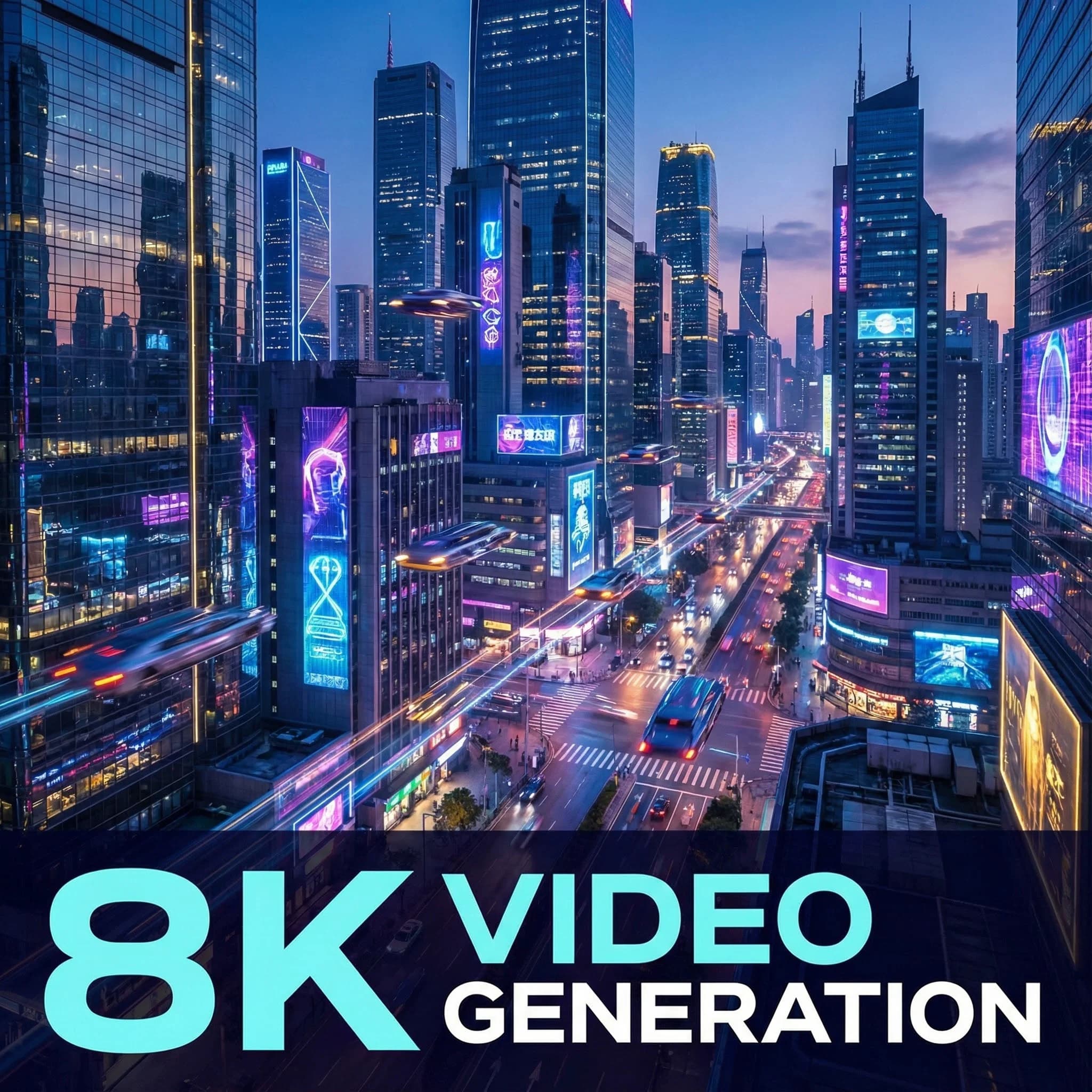
From Still to Motion
Transform any artwork into dynamic animation. AnimateX’s image to video AI reads lighting, depth, and motion cues from your source image to generate smooth animated clips. Whether you start from a manga panel, a digital painting, or a 3D render, you can review results, compare model behavior, and iterate until the scene feels right. No timeline editing or keyframes required.
FAQs
Everything you need to know about AI video generation