162 GPT Image 2 Prompts — Examples, Ideas & Templates
A curated library of GPT Image 2 prompts across every style — from anime and portraits to UI mockups, posters, and product shots. Copy any prompt and start creating instantly.
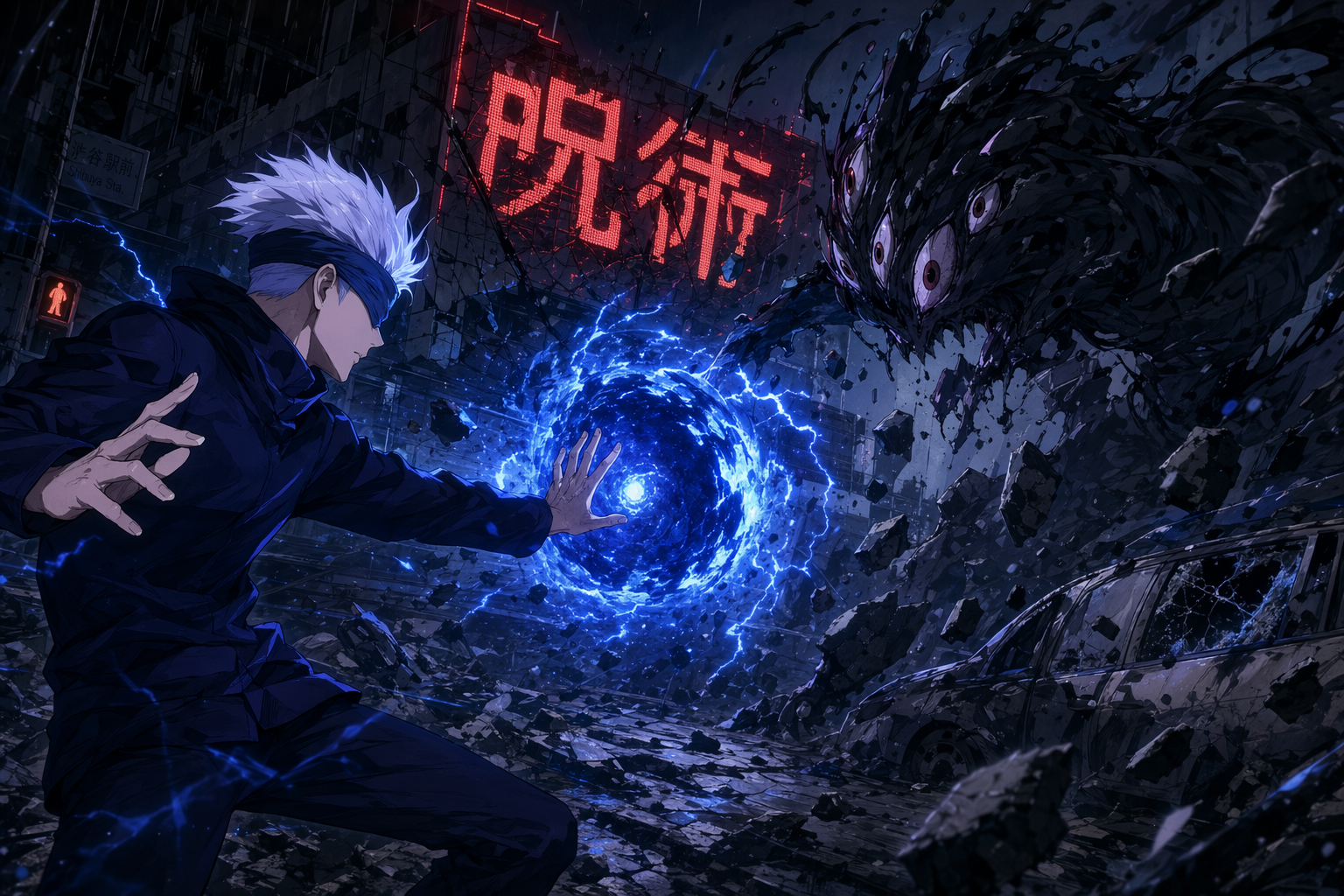
MAPPA-style anime action still (Jujutsu-Kaisen aesthetic)
An anime action still in the visual style of MAPPA's Jujutsu Kaisen (2020 TV anime). Landscape 16:9. A silver-white-haired young man in a dark navy school-uniform jacket, a blue blindfold across his eyes, in a mid-fight stance — one palm extended outward releasing a swirling dense-blue energy sphere with lightning-like crackles around its edge. Opposite him
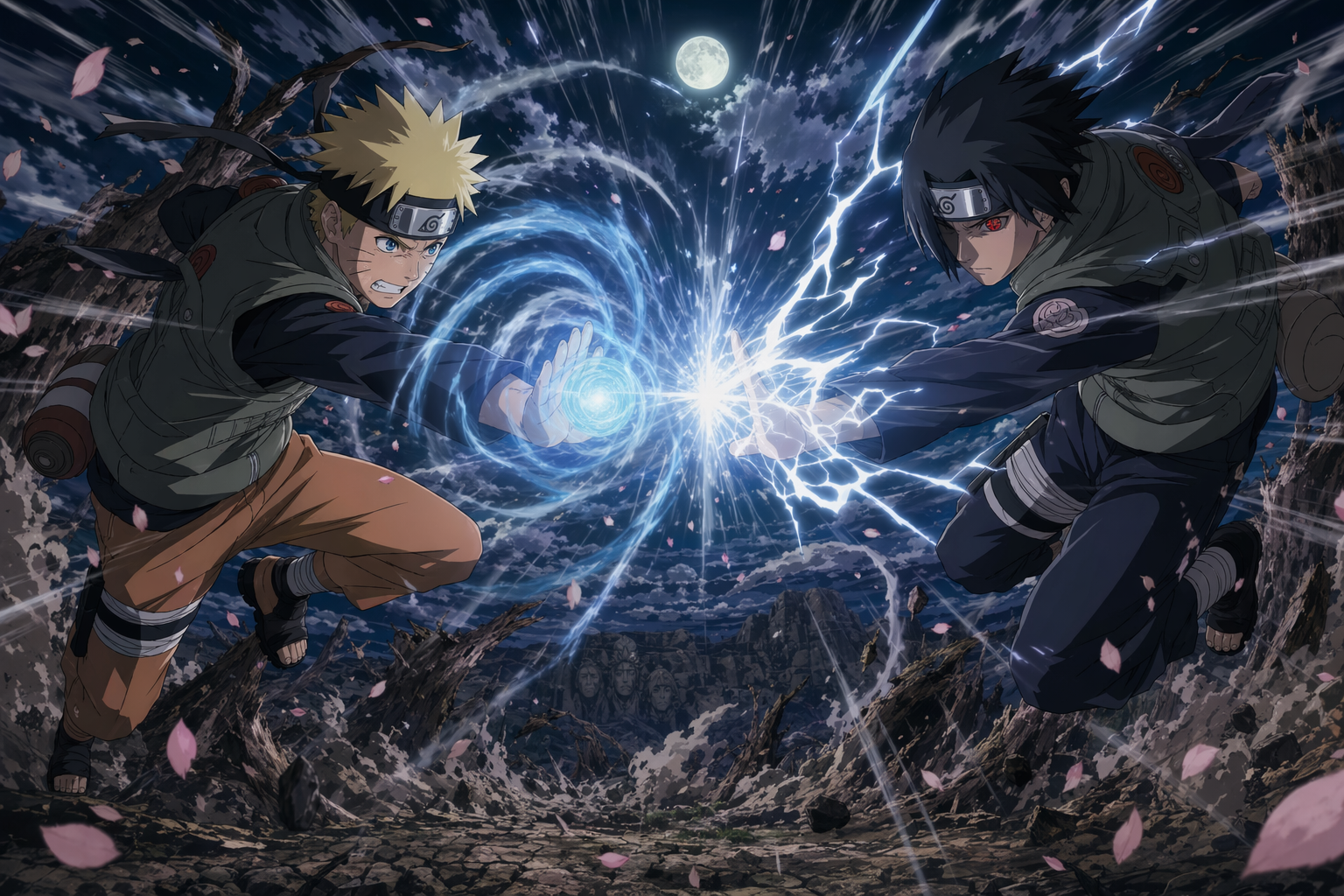
Shōnen battle key-visual (Naruto-Shippuden aesthetic)
A shōnen anime battle key-visual in the visual style of Studio Pierrot's Naruto Shippuden. Landscape 16:9. Two ninja figures clash mid-air at the exact instant their signature jutsu collide — a glowing blue spiral of swirling chakra on the left fighter's right palm, a crackling white lightning blade on the right fighter's right palm. The collision point sen
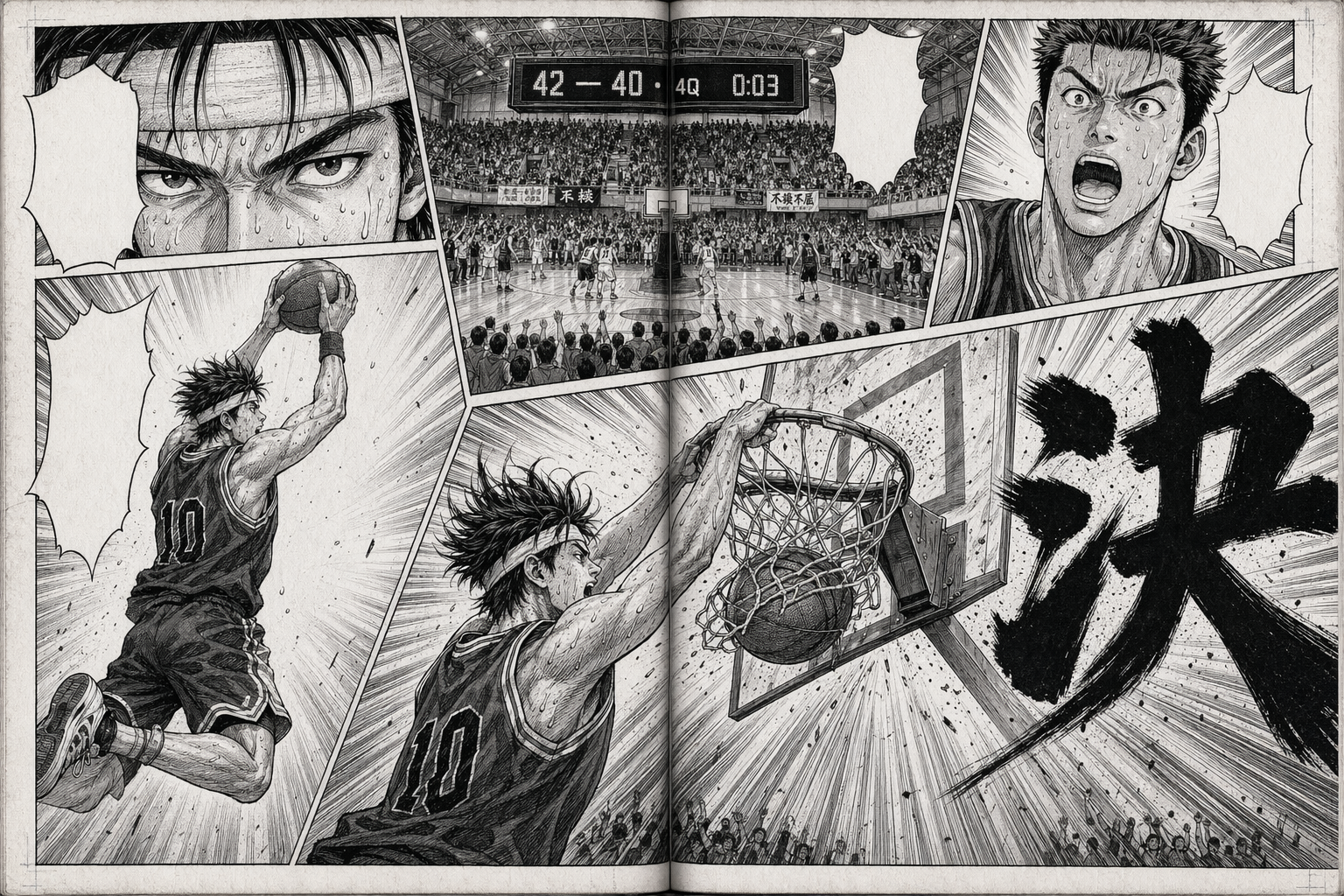
Shōnen manga two-page spread (basketball slam dunk)
A black-and-white shōnen manga two-page spread (landscape 16:9 as a single composition, with a faint centre-gutter line). High-contrast ink plus screentone, Weekly Shōnen Jump basketball-manga tradition (Inoue's Slam Dunk / Fujimaki's Kuroko no Basuke). Composition: 5 irregular panels plus one large diagonal panel spanning both pages at bottom-right for the
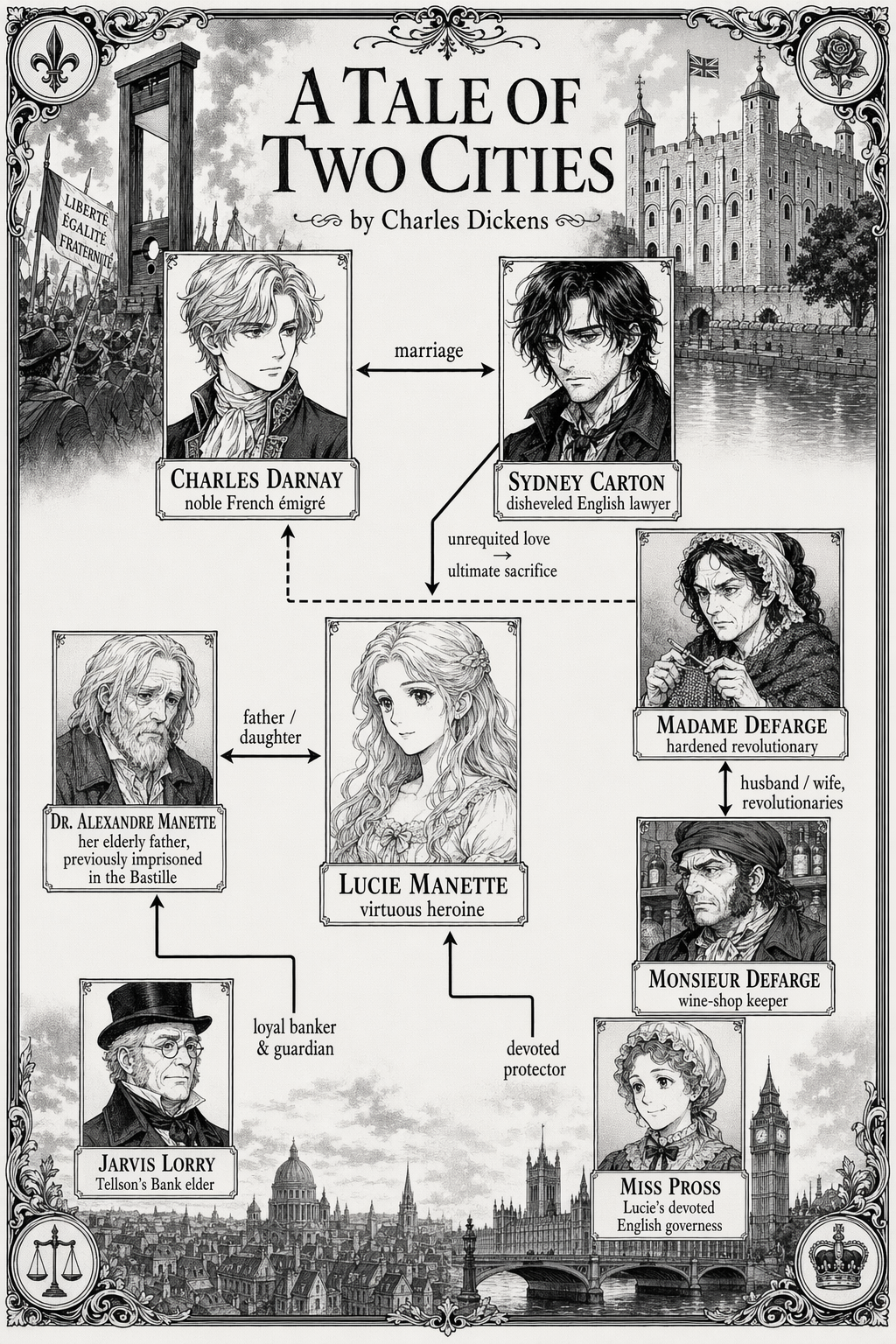
Manga relationship map — *A Tale of Two Cities*
A manga-style illustration showing the person-relationship map for "A Tale of Two Cities" by Charles Dickens. Single full-frame composition, monochrome ink + screentone, classic shōjo / historical-manga aesthetic. Characters as small portrait panels connected by labeled relationship lines: - Charles Darnay ↔ Lucie Manette: "marriage" - Sydney Carton → Lucie
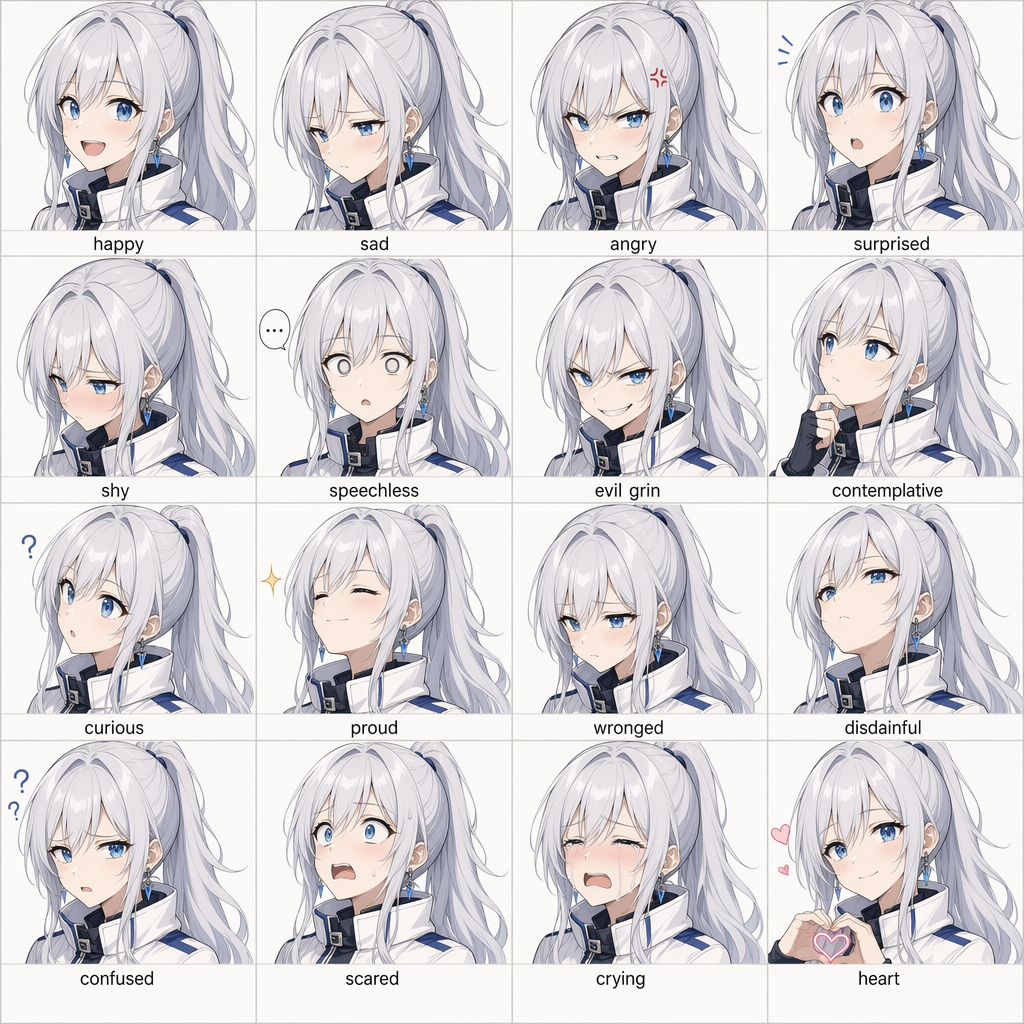
16-panel anime expression grid
Create a 16-panel expression grid of a silver-haired, blue-eyed anime girl. Her face shape, hairstyle, and clothing must remain highly consistent across all panels. The 16 expressions should include: happy, sad, angry, surprised, shy, speechless, evil grin, contemplative, curious, proud, wronged, disdainful, confused, scared, crying, and a heart expression.
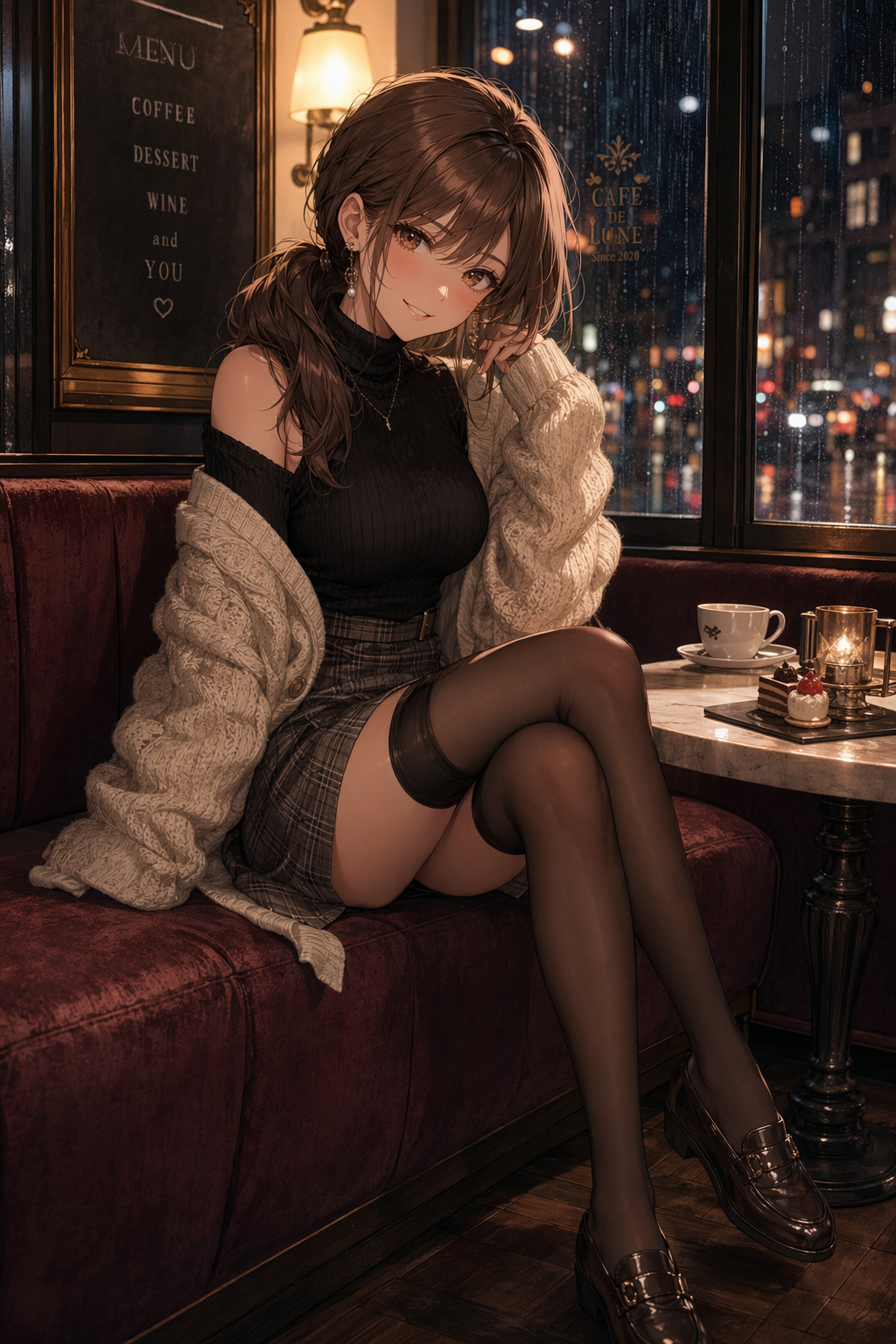
Elegant cafe anime fashion portrait
Create a tasteful portrait-oriented anime fashion illustration of an adult woman, age 24, with a cute playful expression, looking at the camera in a cozy European cafe at golden hour. She wears a cream blouse, charcoal pleated skirt, tailored cropped jacket, sheer black stockings, loafers, and a small ribbon hair clip; she is seated sideways at a small marbl
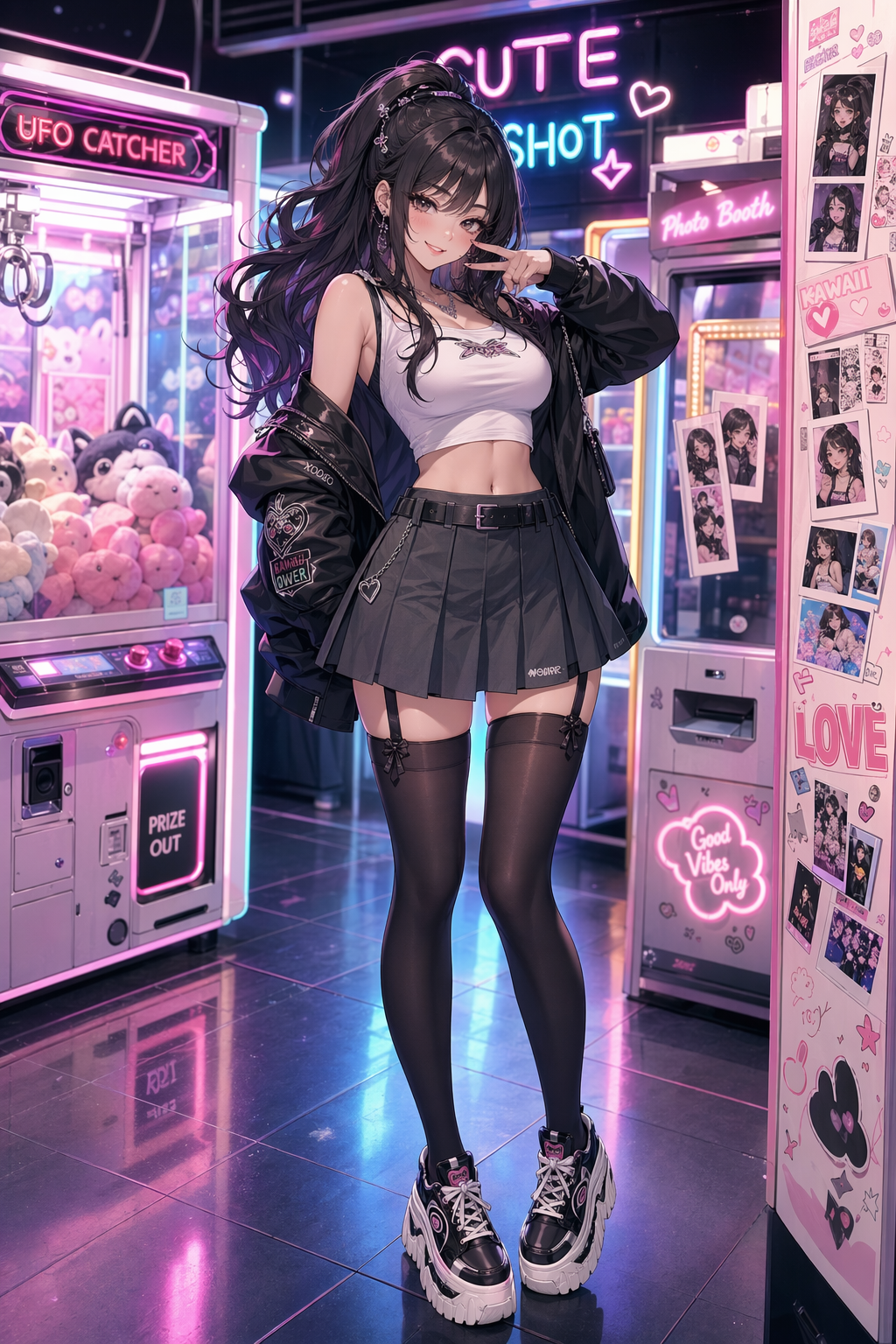
Neon arcade anime fashion portrait
Create a portrait-oriented anime fashion illustration of an adult woman, age 25, in a neon arcade district at night. She has a cute confident smile and looks directly at the viewer while standing beside glowing claw machines and retro game cabinets. Outfit: black turtleneck, red satin bomber jacket, high-waisted skirt, patterned dark stockings, platform shoe
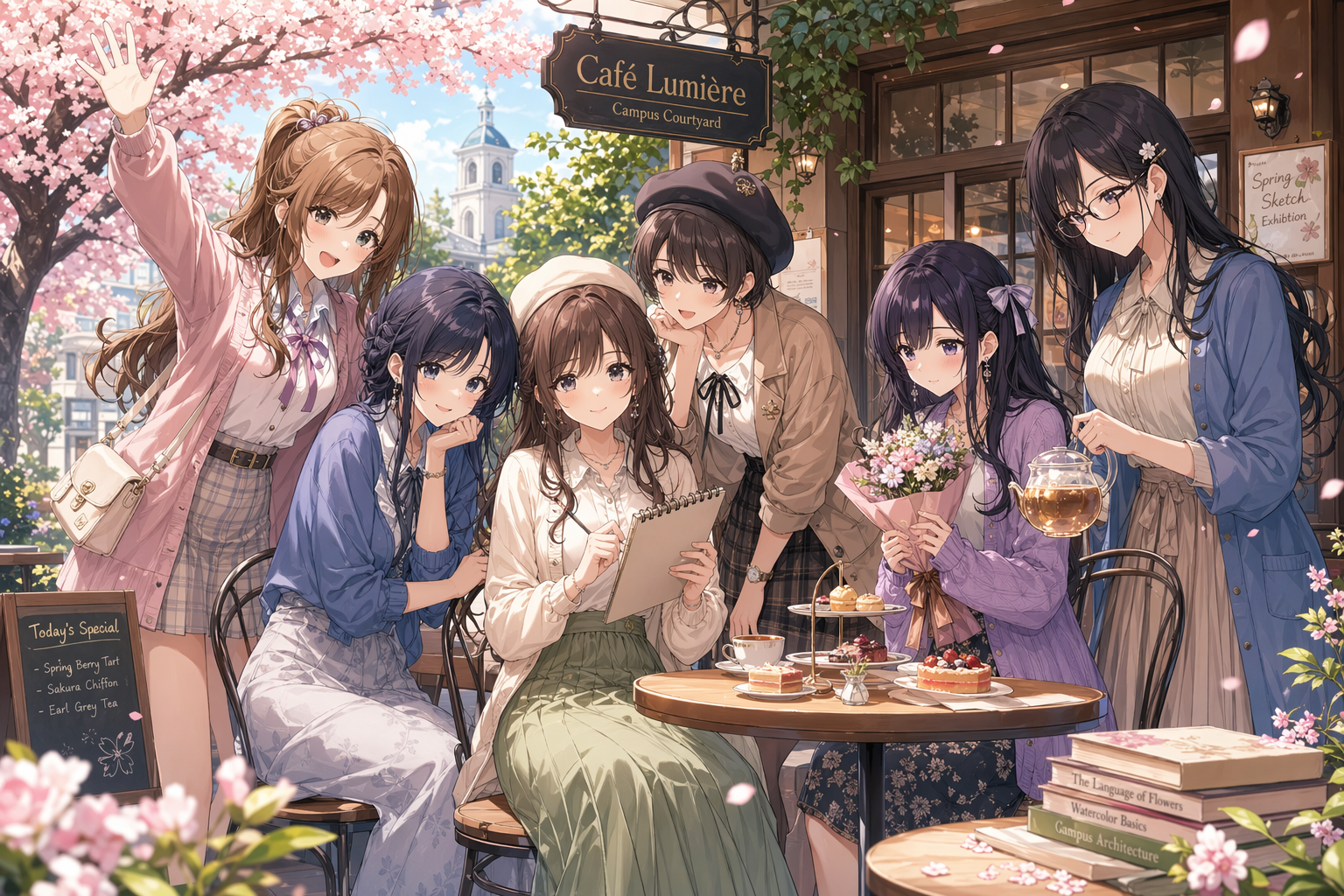
Spring cafe anime ensemble
Create a landscape anime ensemble key visual featuring six distinct adult young women, ages 22 to 27, with cute gentle personalities, gathered together in a cozy spring campus-cafe courtyard. The composition should feel like a polished slice-of-life anime promotional poster rather than a single portrait: one central seated character holding a sketchbook, two
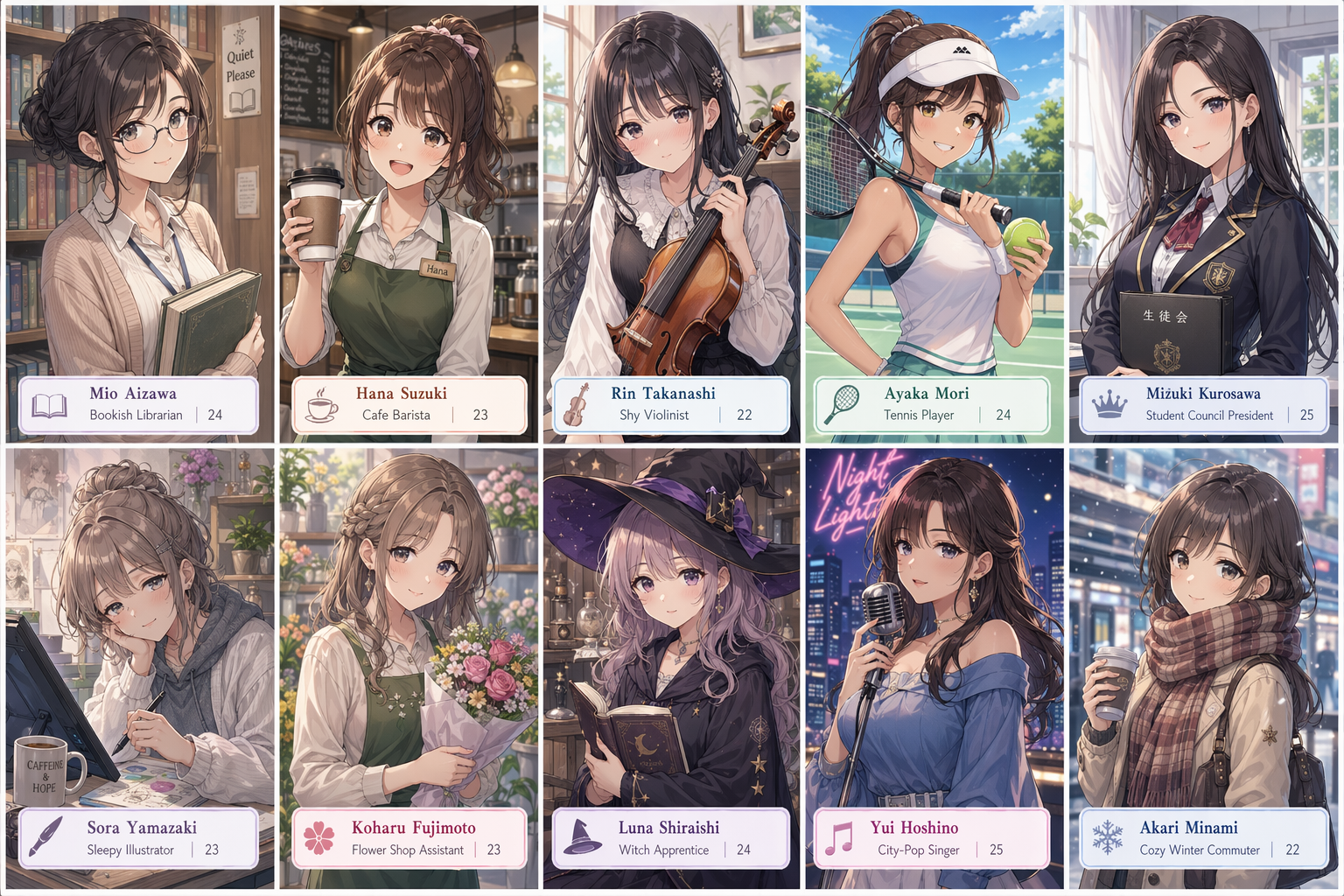
Ten-panel anime character grid
Create a single landscape image containing a clean 2×5 ten-panel anime character grid. Each panel shows a different adult young woman, age 22 to 26, designed as a cute gentle heroine archetype: bookish librarian, cheerful cafe barista, shy violinist, sporty tennis player, elegant student-council president, sleepy illustrator, flower-shop assistant, soft-spok
How to Write GPT Image 2 Prompts That Actually Work
Six principles used by top creators to get consistent, high-quality results every time.
Start With a Clear Subject
Lead with exactly what you want: "a young woman in a raincoat", "an abandoned train station", "a bottle of Japanese whisky". The more specific your subject, the less the model has to guess — and guessing is where quality breaks down.
Choose Your Visual Style
Style is the highest-impact parameter in any prompt. Name it explicitly: "photorealistic", "cel-shaded anime", "flat vector illustration", "watercolor on textured paper", "90s risograph print". GPT Image 2 recognizes hundreds of styles — use that range.
Set the Lighting and Mood
Lighting rewrites the emotional register of an image. Try "golden hour backlight", "dramatic chiaroscuro", "soft diffused studio light", or "neon rim light from below". Pair every lighting choice with a mood: "melancholic", "cinematic", "clean and commercial".
Direct the Composition
Tell the model where to stand: "extreme close-up", "wide establishing shot", "isometric view", "bird's eye perspective". For photographic prompts, go further: "shot at f/1.8 on 85mm", "medium-format film look". Composition intent produces composition results.
Lock in Your Color Palette
Without a palette, GPT Image 2 defaults to crowd-pleasing but generic color choices. Specify: "teal and burnt orange", "limited palette — indigo, cream, and gold", "monochrome with a single red accent". Named palettes give your output a consistent, intentional look.
Quote Any Text You Need Rendered
GPT Image 2 handles text remarkably well — but only when you quote it exactly. Write: 'a storefront sign reading "OPEN LATE"' or 'a poster with the headline "No Signal"'. Keep each text element under 12 words, and expect 95%+ accuracy when quoted correctly.
GPT Image 2 Prompts — Frequently Asked Questions
Everything you need to know about writing, using, and getting the most out of GPT Image 2 prompts — from beginner basics to consistency tips.