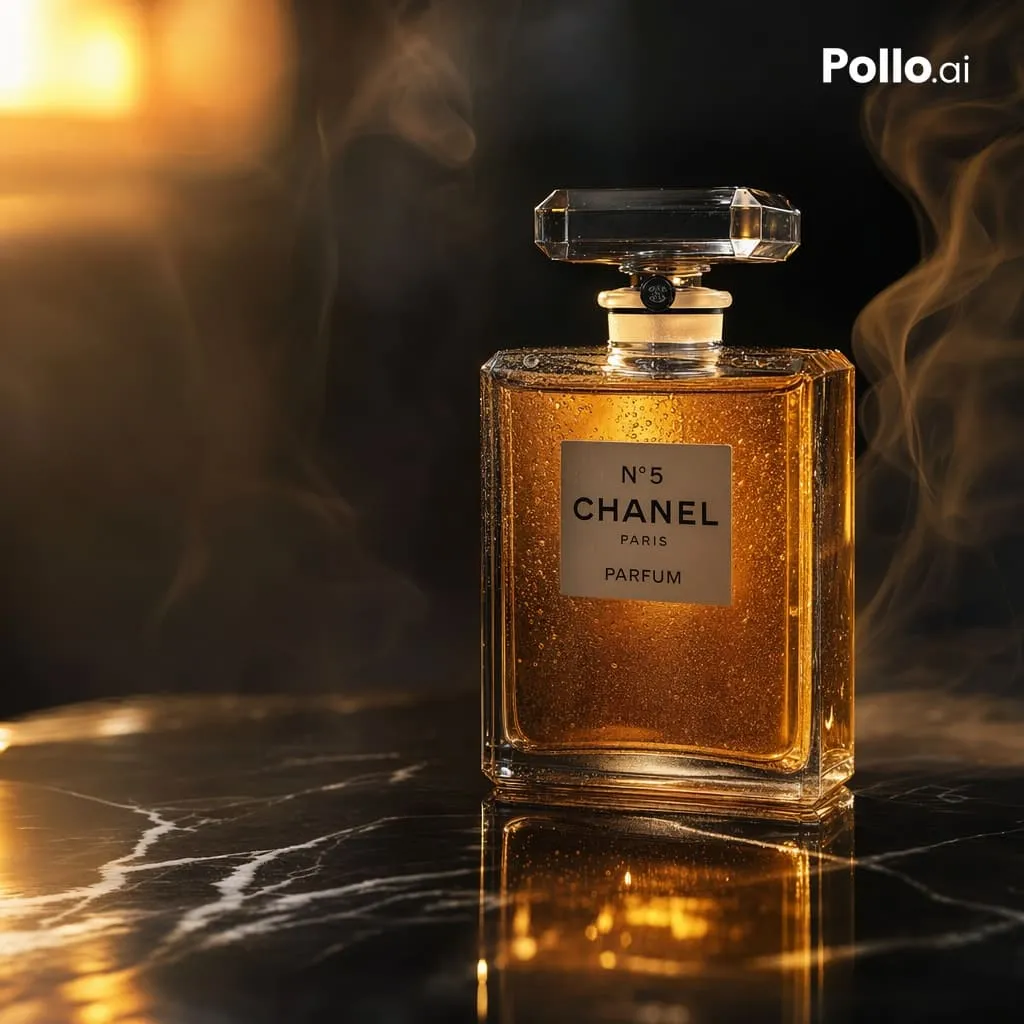
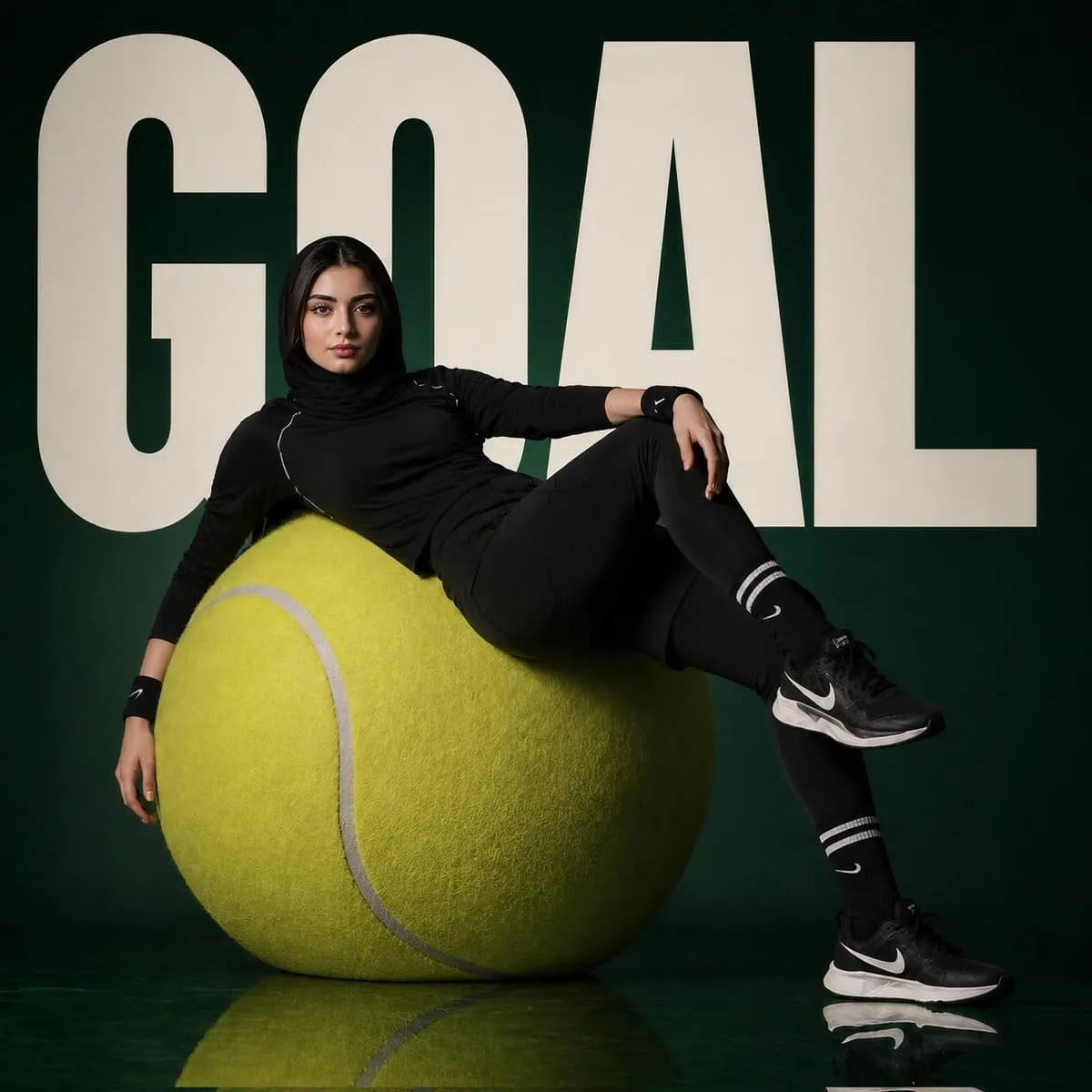
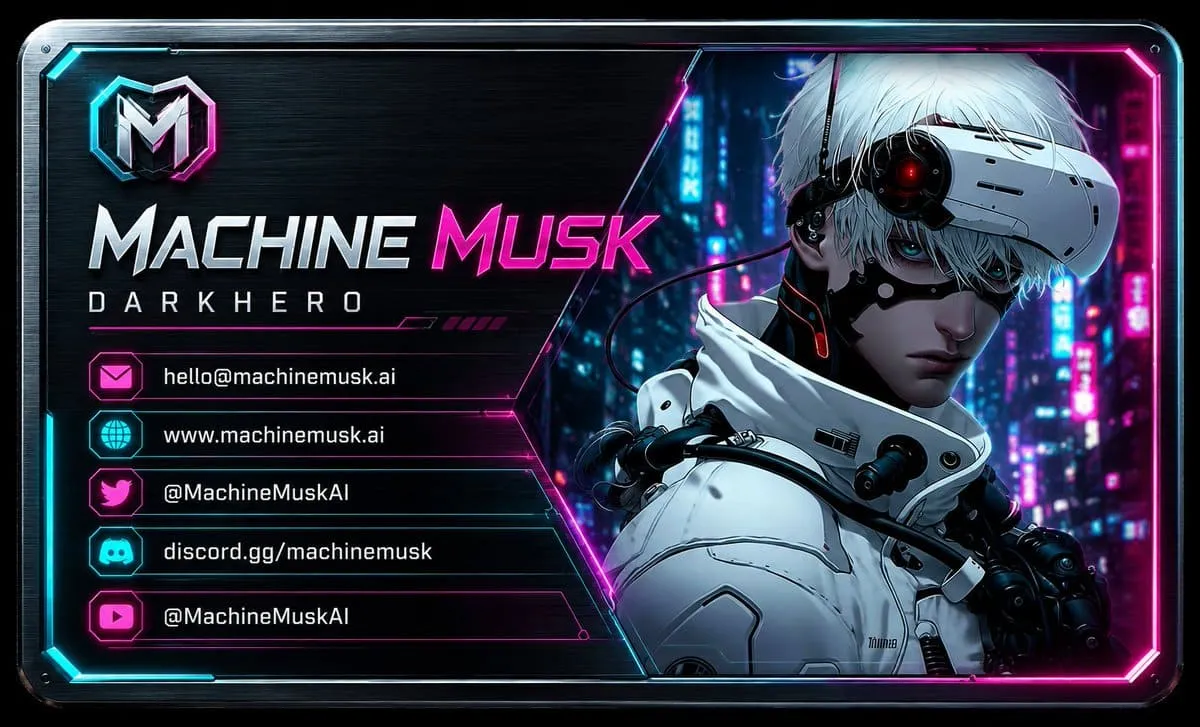
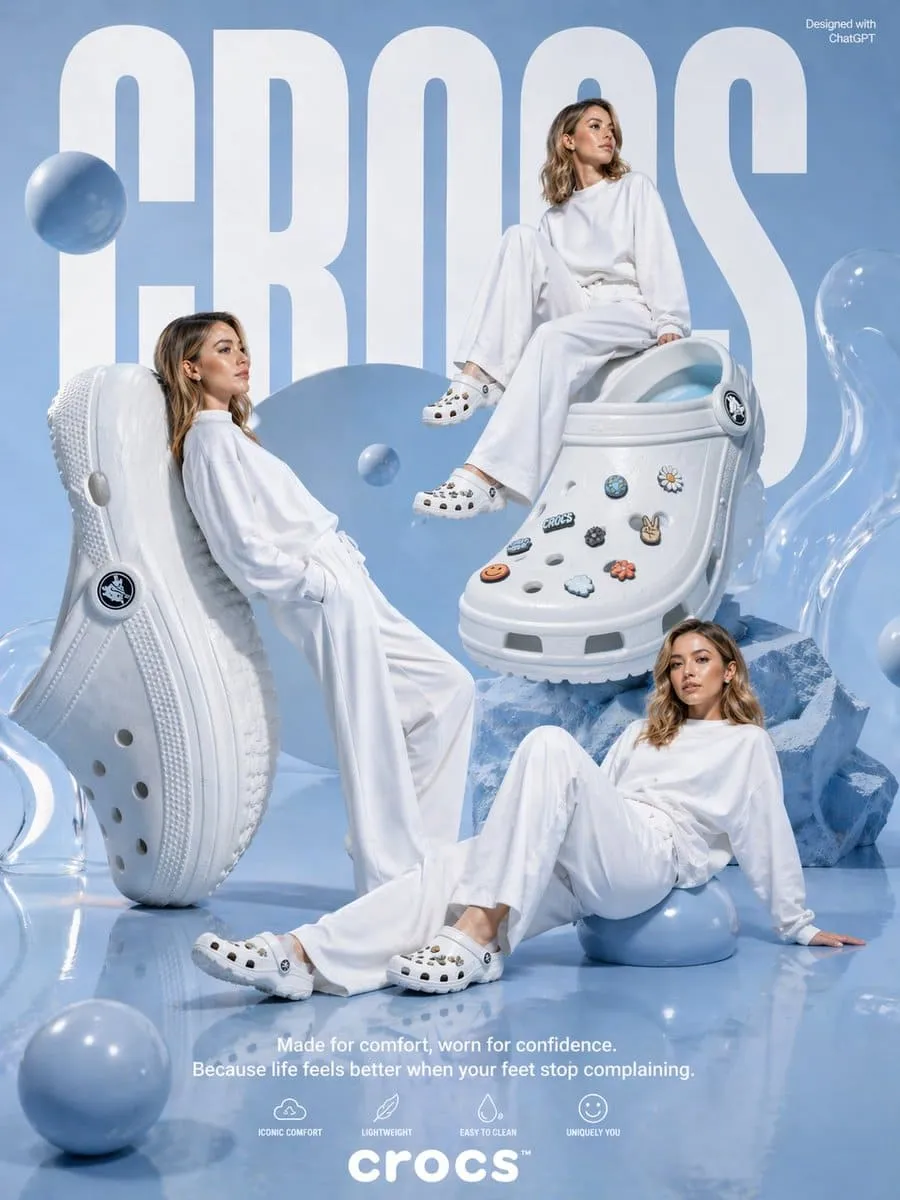
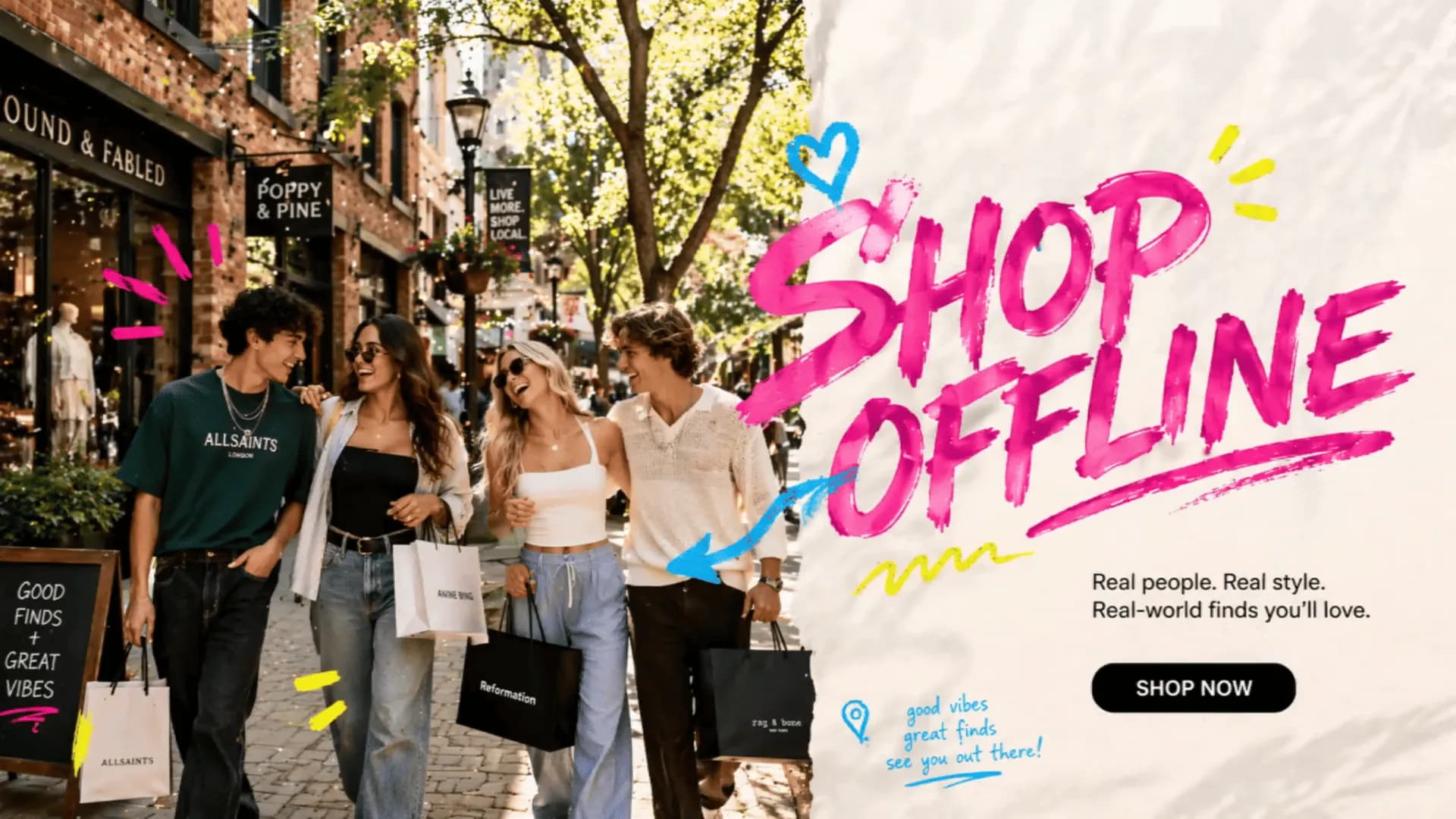
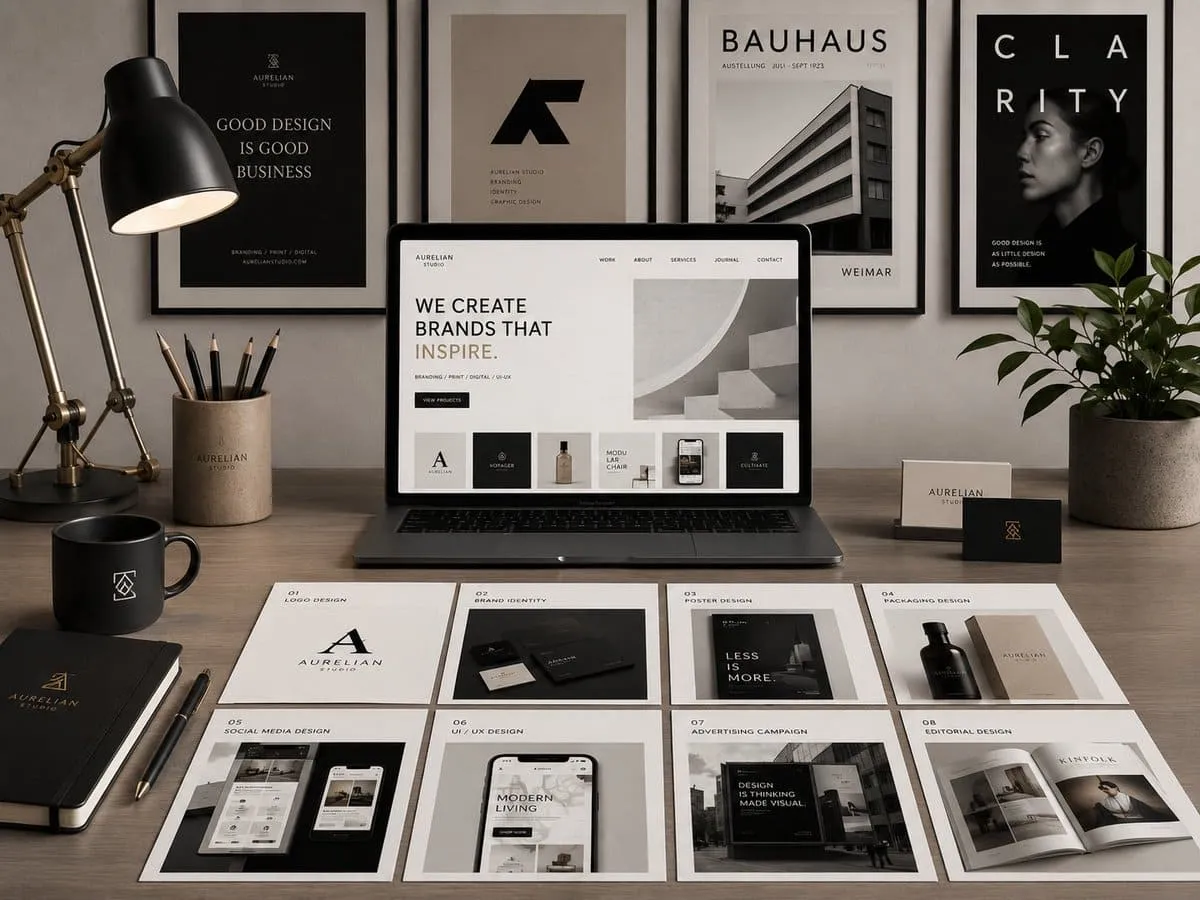
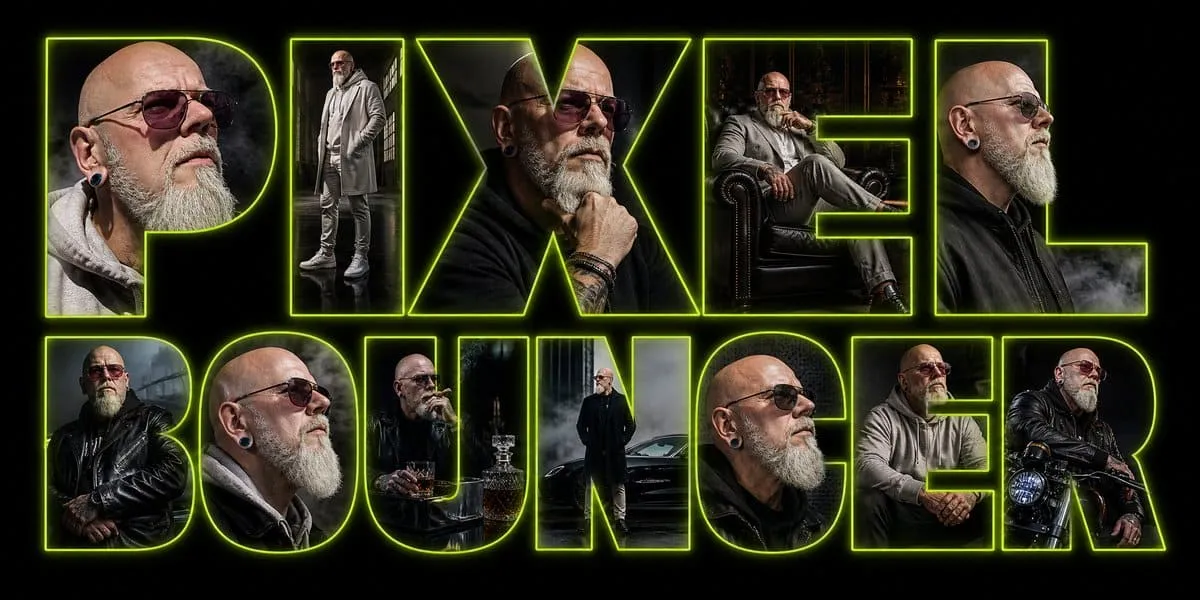
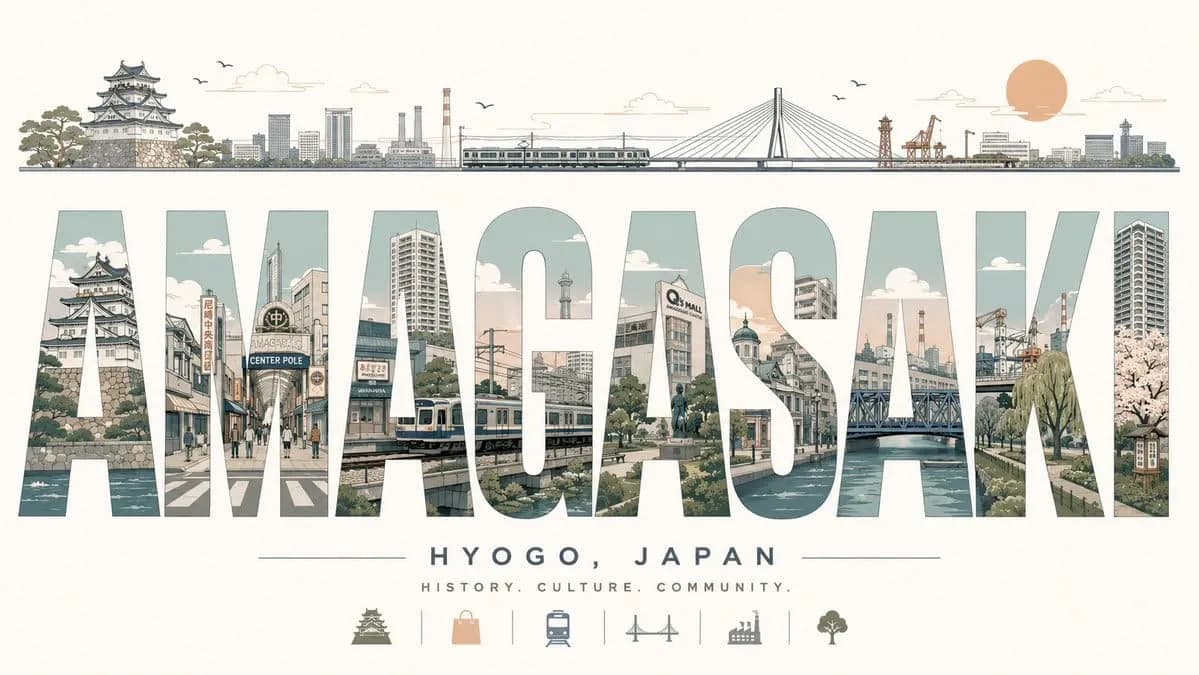
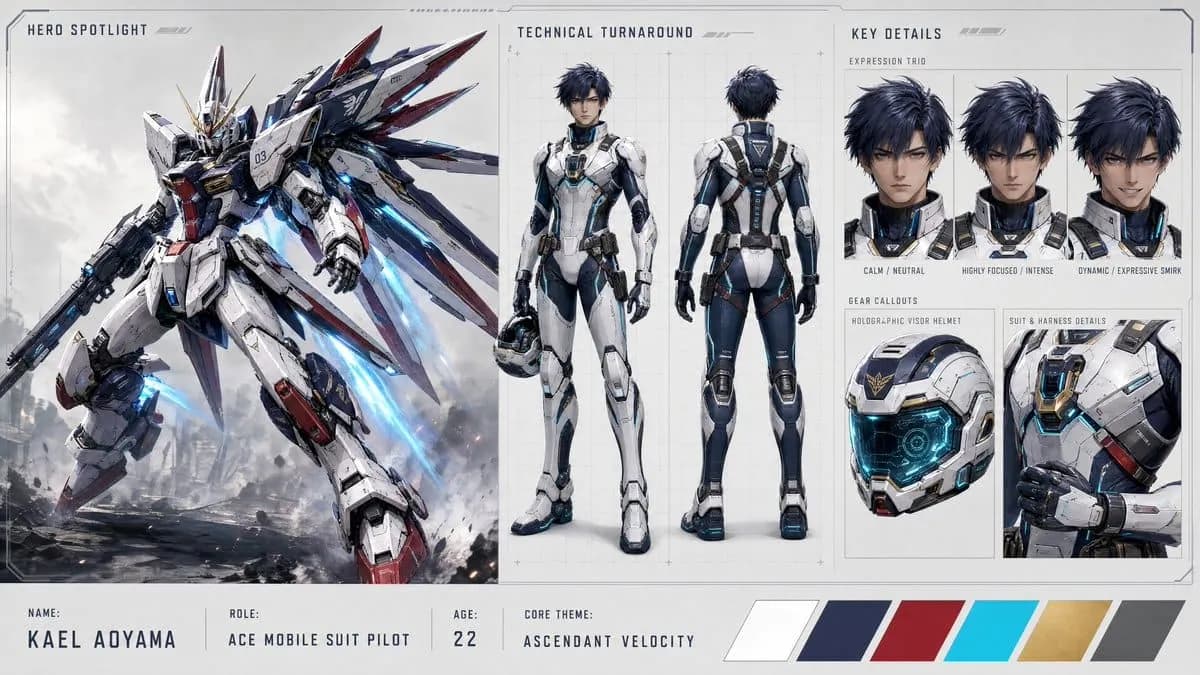
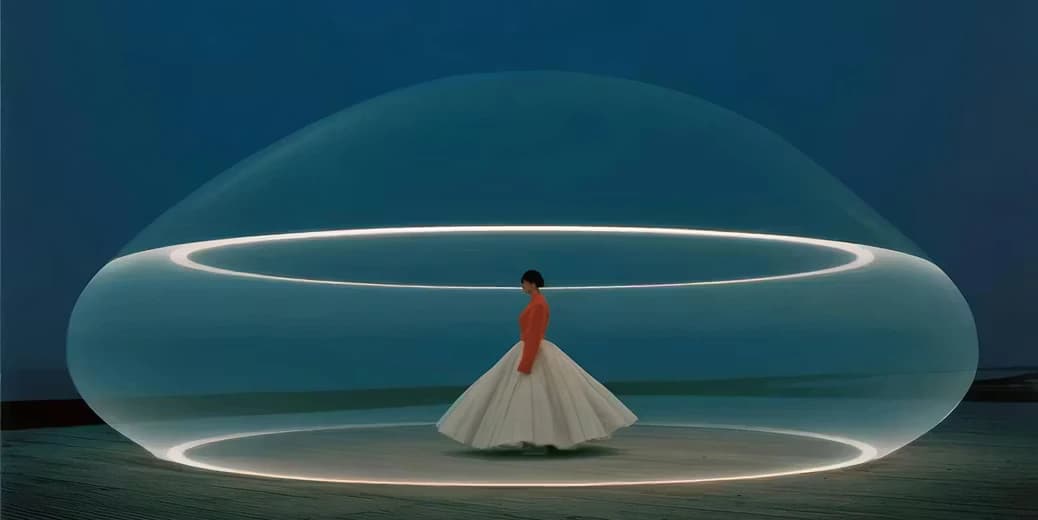
GPT Image 2 is OpenAI's latest image model, built for production work that needs readable text, accurate layouts, and photorealistic detail. Generate posters, ad creatives, UI mockups, and brand-consistent product photography from a single prompt, then refine with conversational editing on AnimateX.
What GPT Image 2 Can Do
GPT Image 2 is a major step up from earlier image models across text, instruction following, realism, and editing.
Near-Perfect Text Rendering
Renders clean, readable typography inside images: headlines, small body copy, multilingual characters, product labels, and dense layouts like infographics. The blurry, garbled AI text problem is largely solved, so signage and marketing copy come out usable.
Reasoning-Driven Prompt Following
GPT Image 2 plans and self-checks before rendering, so long multi-part prompts are followed faithfully. Define multiple subjects, exact placement, colors, and on-image text, and the model holds to the brief instead of drifting into a generic style.
Photorealistic Detail
Produces sharp, natural results with believable lighting, skin, fabric, and material textures. Outputs avoid the over-stylized look and warm yellow cast of older models, which makes them fit for editorial and commercial use.
Precision Multi-Turn Editing
Make surgical, localized edits through conversational commands. New or changed elements blend into the original lighting, shadows, and aesthetic, so you can iterate on one image without re-rendering the whole scene or losing the look.
Brand-Consistent Output
Generates product imagery with accurate logos, packaging copy, and color palettes, plus structured layouts like dashboards and icon grids. Useful for mockups and e-commerce shots that need to stay on-brand without an illustrator.
Built for Real Design Workflows
Three GPT Image 2 capabilities that change how production visuals get made.
1
Typography You Can Ship
Because GPT Image 2 treats on-image text as meaningful content, you can put real headlines, slogans, multilingual labels, and UI copy directly into a generated visual and have it come out legible and correctly spelled. That removes the usual round-trip of generating a background and adding text by hand, which speeds up posters, banners, and packaging mockups.
2
Brand-Accurate Product Photography
GPT Image 2 keeps logos, label copy, ingredient lists, and color palettes consistent, so a single prompt can produce e-commerce main images and detail shots that match brand guidelines. Teams can generate catalog variations in new colors, materials, or settings without booking a photoshoot.
3
Conversational Editing Without Style Drift
Instead of regenerating from scratch, you describe the change you want and GPT Image 2 applies it locally, matching the existing lighting and composition. This makes iterative refinement practical: swap an object, fix a label, or adjust a background while the rest of the image stays intact.
Who Uses GPT Image 2
From e-commerce to game art, GPT Image 2 covers the visual tasks teams produce every day.
Marketing & Advertising
Produce social graphics, ad creatives, and email headers with accurate messaging and on-brand text, at the volume a campaign needs.
E-commerce
Create product main images, detail shots, and color or material variations with legible packaging labels for storefront listings.
UI/UX & Product Design
Prototype app screens, dashboards, and website layouts with crisp, legible interface typography for fast concept reviews.
Content Creators & Publishers
Generate blog covers, infographics, and visual reports with precise data labels and a consistent look across a series.
Educators & Researchers
Build diagrams, annotated illustrations, and teaching aids with clear, legible labels that explain a concept at a glance.
Game Developers
Concept character art, UI elements, and environment assets quickly for prototyping and visual exploration.
GPT Image 2 vs Nano Banana Pro
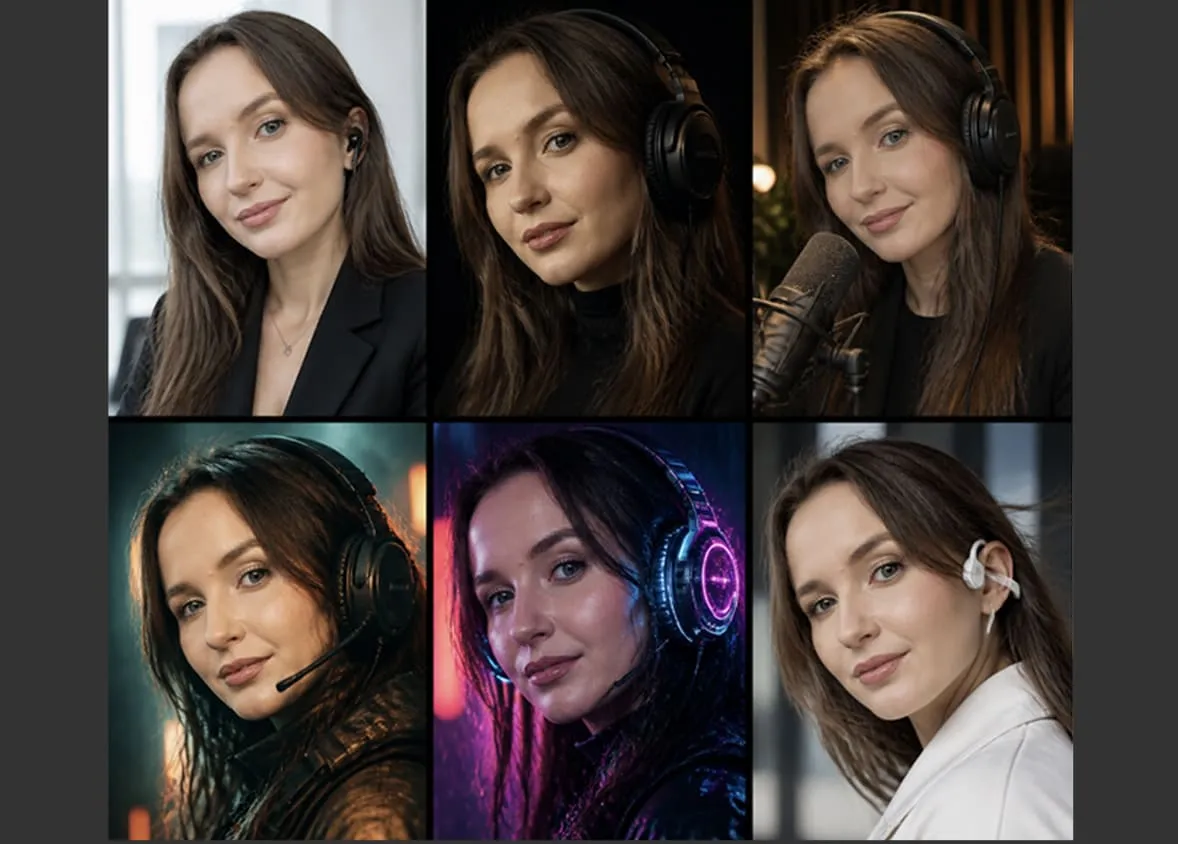
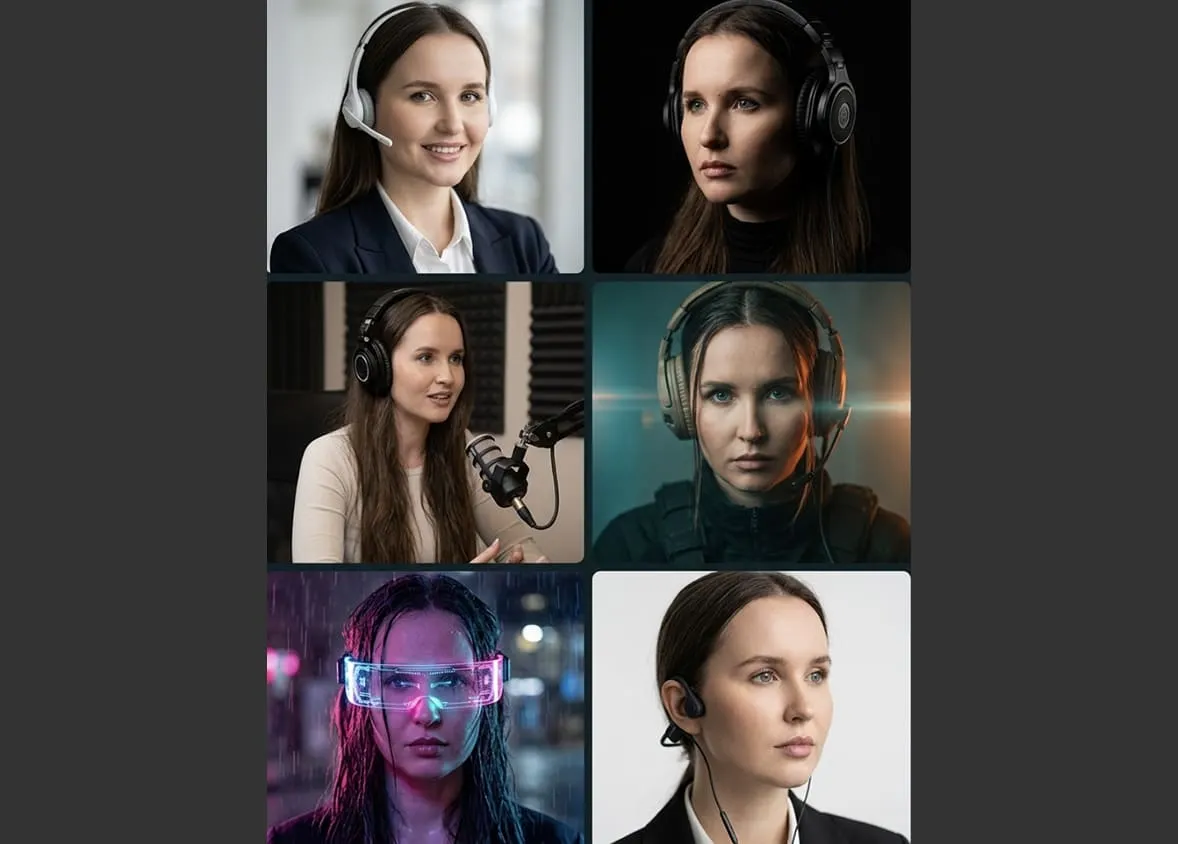
Same prompt, both models, side by side. See how GPT Image 2 and Nano Banana Pro compare on fine detail, text rendering, and composition — and judge for yourself.
GPT Image 2Nano Banana Pro
Prompt
Use amplifiers to create a high-end portrait collage using a headshot I will upload as the identity reference. Maintain strong character consistency across all variations. The person must remain clearly recognizable in every frame with the same facial structure, skin tone, eye shape, hairstyle, and overall identity. Generate a cinematic multi-panel collage featuring the same person wearing different professional and modern headsets across multiple scenes and moods. Include a mix of: sleek corporate LinkedIn-style portraits, cinematic studio lighting, podcast/interview setup, Netflix character poster, dark moody cyberpunk lighting, Wired magazine portrait photography.
How to Use GPT Image 2
Go from a prompt or a reference image to a finished visual in three steps.
Step 1: Describe Your Image
Open the generator and write what you want, including subject, style, lighting, colors, and any text that should appear in the image. You can also upload a reference photo to guide style, subject, or composition.
Step 2: Generate with GPT Image 2
Select GPT Image 2, set your aspect ratio and resolution, and generate. The model follows long, structured prompts closely, so specific briefs for posters, ads, and UI mockups pay off.
Step 3: Refine and Download
Review the result and refine it with conversational edits if needed, then download your image ready to publish. Adjust the prompt and regenerate for variations.
GPT Image 2 FAQ
Common questions about generating and editing images with GPT Image 2 on AnimateX.